77
Setup Files
Restoring default settings (factory default settings)
Follow the steps below to restore the default settings.
1. Use the
keys to select [System] and press the MENU/
ENTER key. The system screen appears.
2. Use the
keys to select [Read/Save setting] and press the MENU/
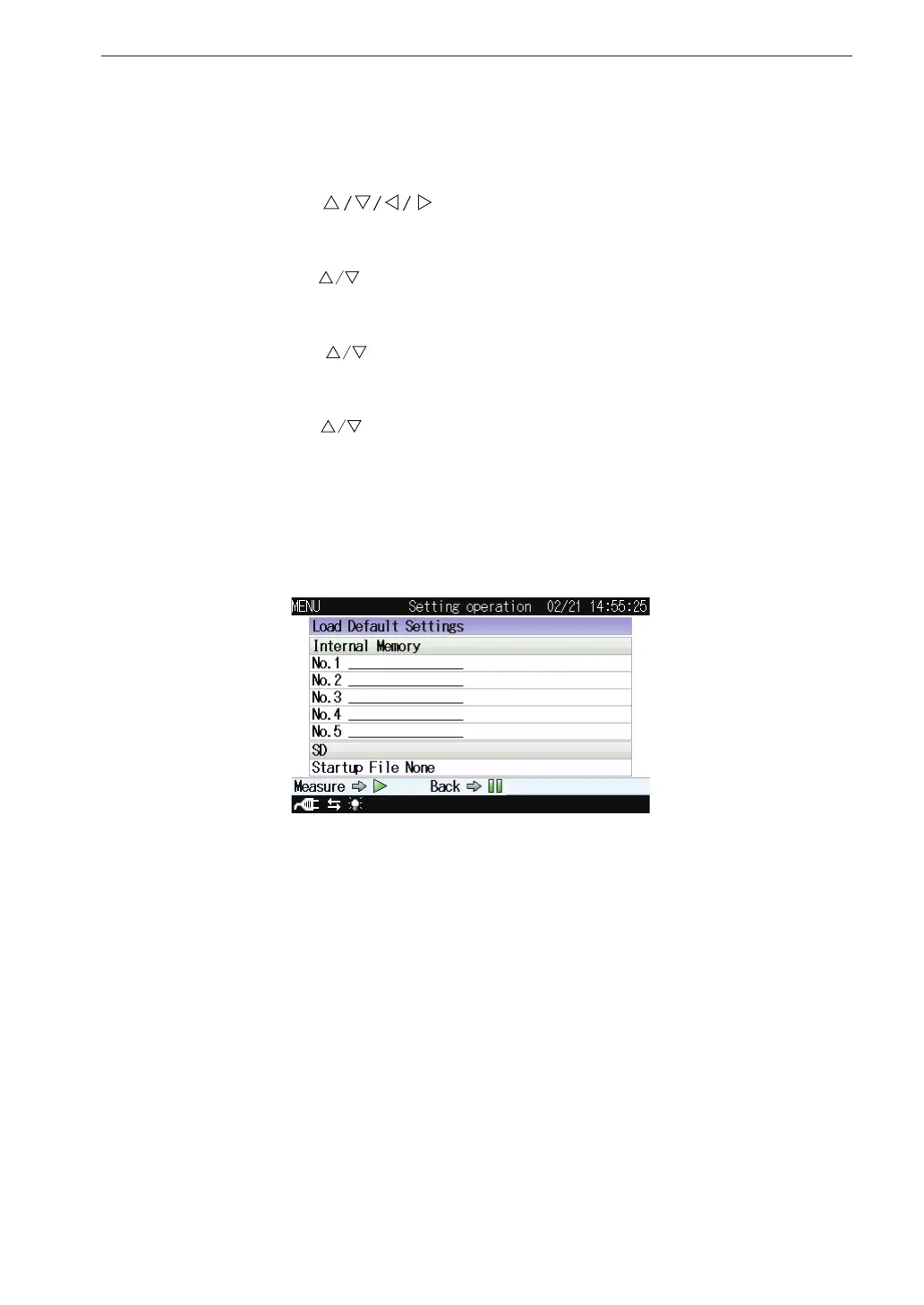
ENTER key. The setting operation screen appears.
3. Use the
keys to select [Load Default Settings] and press the
MENU/ENTER key. The con rmation screen appears.
4. Use the
keys to select [Yes] and press the MENU/ENTER key.
For information on items that will be default, see the “Default Settings”
section on page 75.
Setting operation screen



 To Next Page