59
Reading the Display
Recall
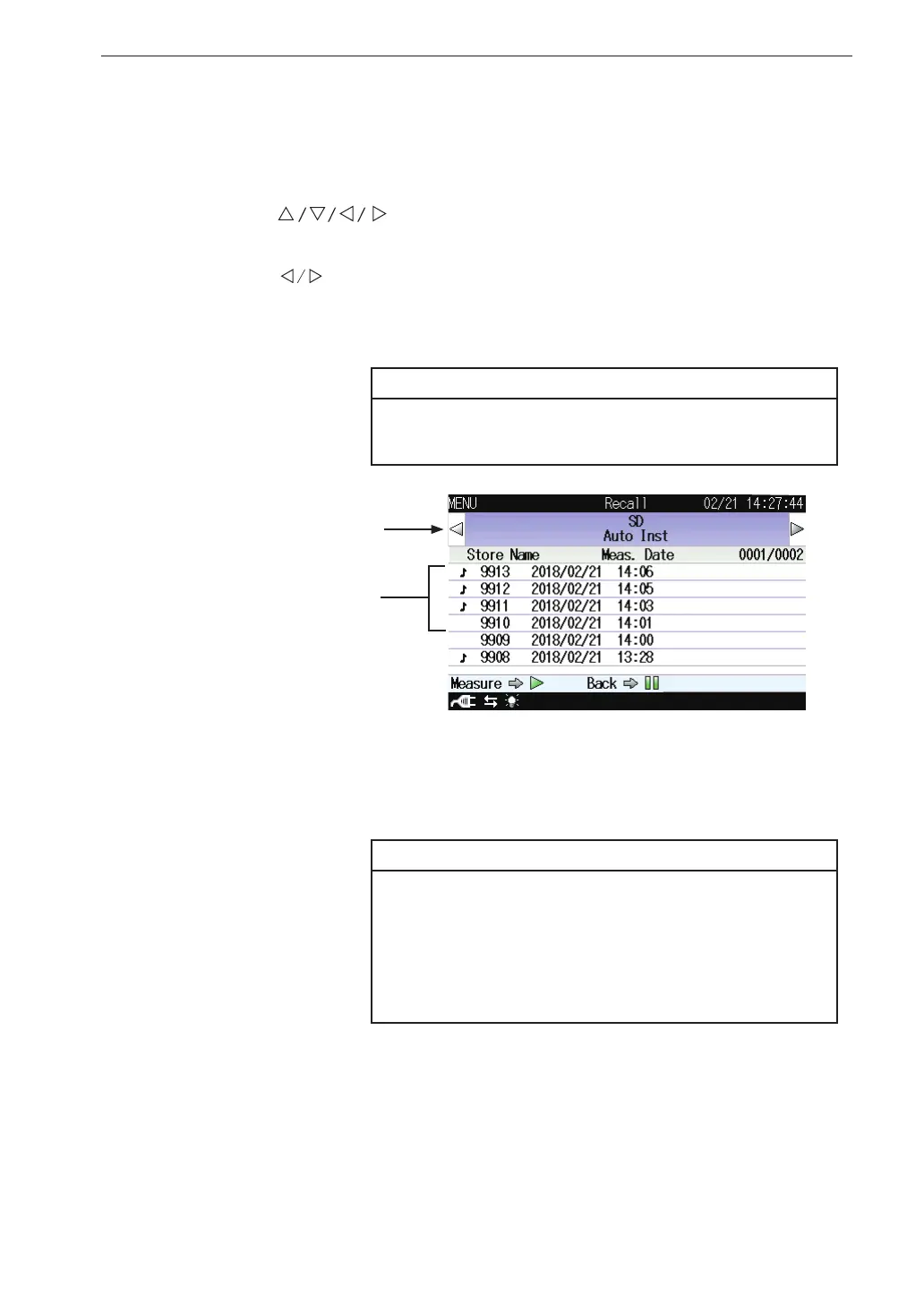
This screen displays a stored data list on internal memory or SD memory
card.
Use the
keys to select [Recall] and press the MENU/ENTER
key. The recall screen appears.
Use the keys to display a save location of data.
Pressing the PAUSE/CONT key switches back to the menu list screen.
Pressing the START/STOP key switches back to the measurement screen.
Note
It may take some time to read data and display the
recall screen if the volume of stored data is large.
Save location of data
Data les
The save location of data can be “Internal Memory Manual”, “SD Manual”,
“SD Auto Inst.” or “SD Auto Calc.”. Without an SD memory card, only “In-
ternal Memory Manual” is available.
Note
If a data le saved on a computer is copied or ma-
nipulated, and the copied le is then loaded back
into the VM-56, the displayed measurement date
and time may not match the actual time stamp of
the measurement.



 To Next Page