45
Reading the Display
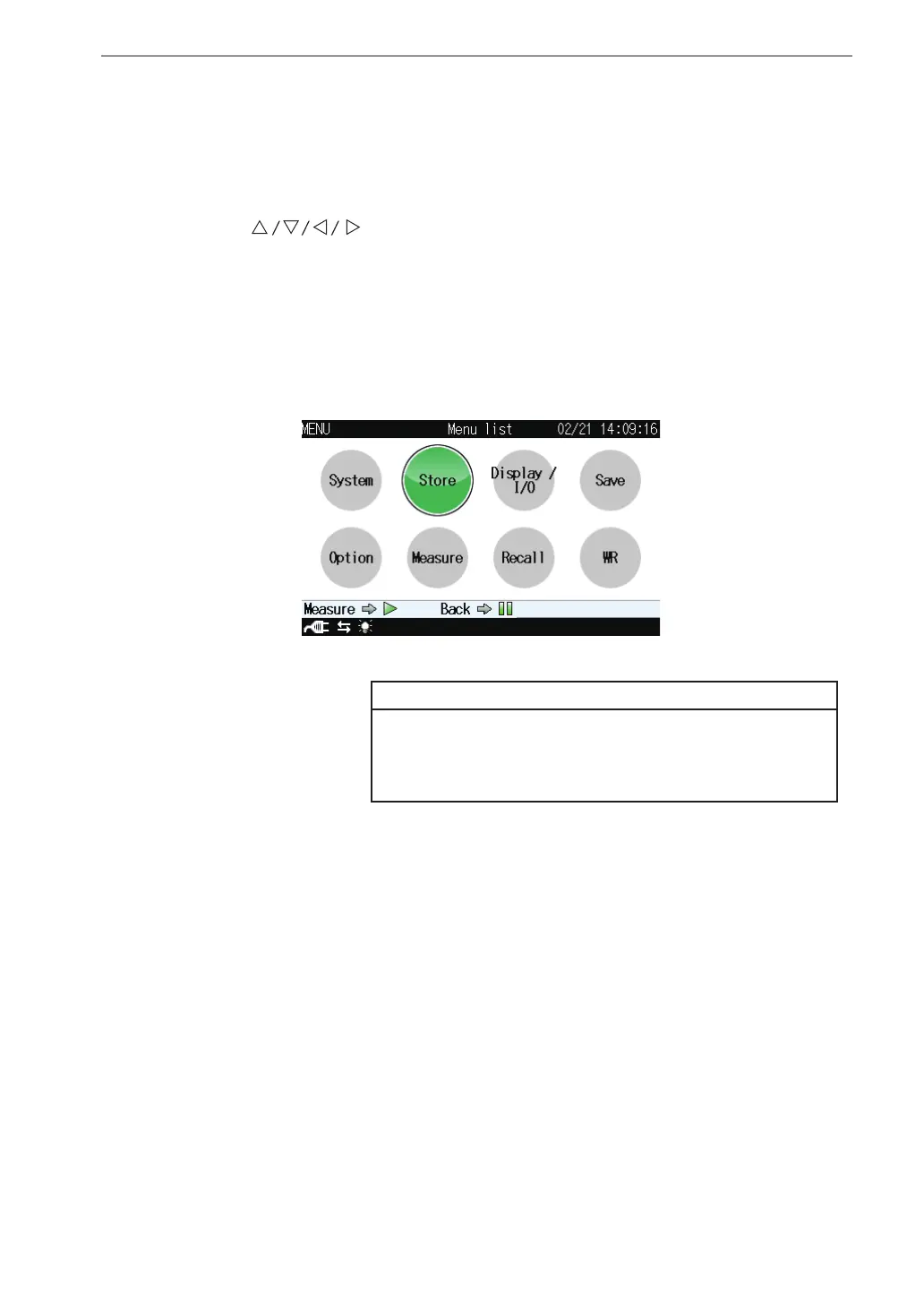
Menu list screen
When the measurement screen is displayed, pressing the MENU/ENTER
key brings up the menu list screen as shown below.
Use the
keys to select the desired menu and press the MENU/
ENTER key.
Pressing the PAUSE/CONT key or the START/STOP key switches back to
the measurement screen.
Note
When optional Waveform Recording Program VX-
56WR is not installed, “WR” is not displayed on the
menu list screen.



 To Next Page