55
Reading the Display
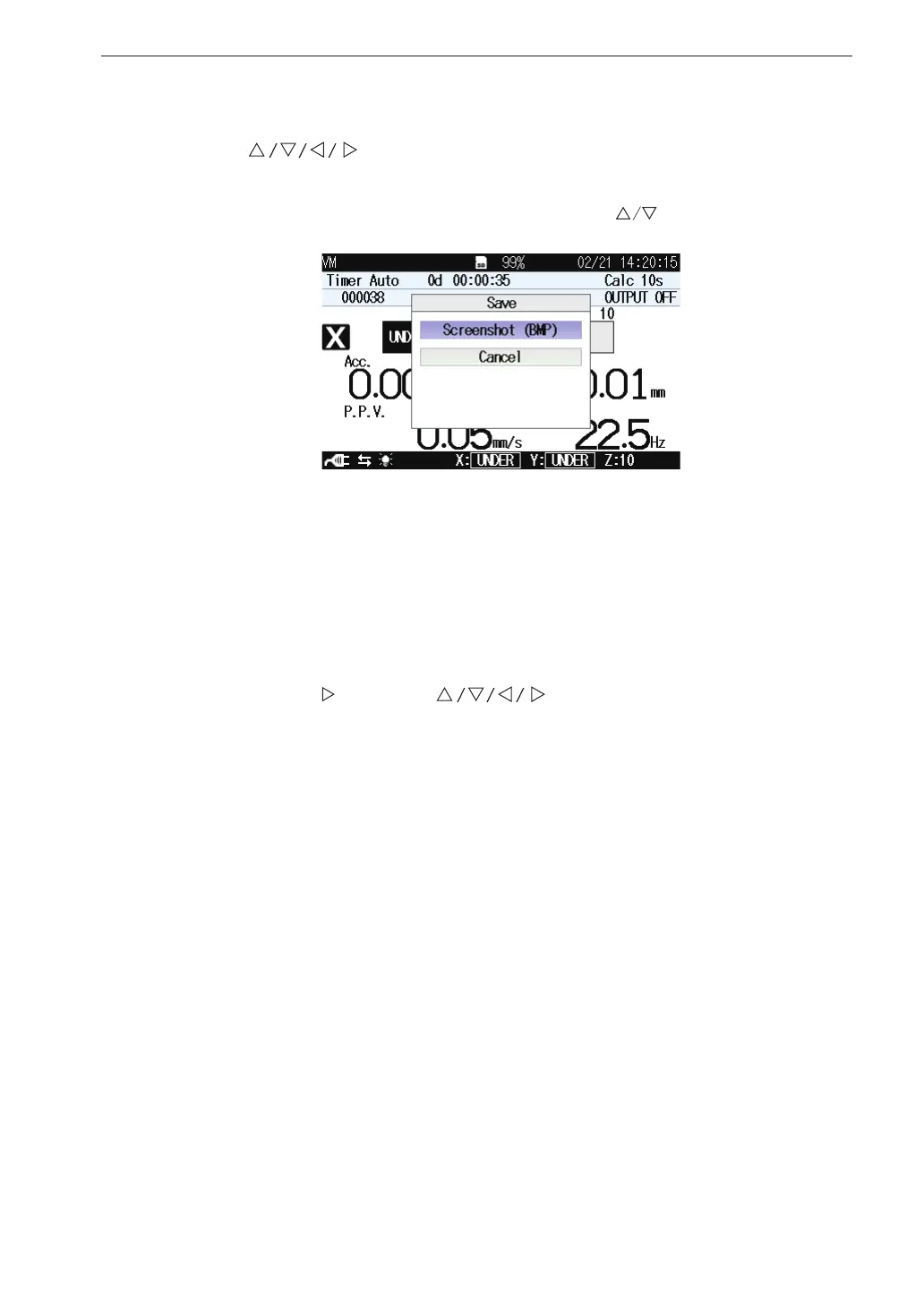
Save
Use the keys to select [Save] and press the MENU/ENTER key.
The save screen appears.
Each item of the save screen is selected using the
key.
Screenshot (BMP)
Saves the displayed measurement screen to the internal memory in BMP
(bitmap) format.
Select [Screenshot (BMP)] and press the MENU/ENTER key.
The data capacity is approximately 300 kB per le.
Screen data can also be saved by holding down the DISPLAY key and
pressing the key of the keys (see page 69).
Cancel
Shuts the save screen.
Select [Cancel] and press the MENU/ENTER key.



 To Next Page