44
Reading the Display
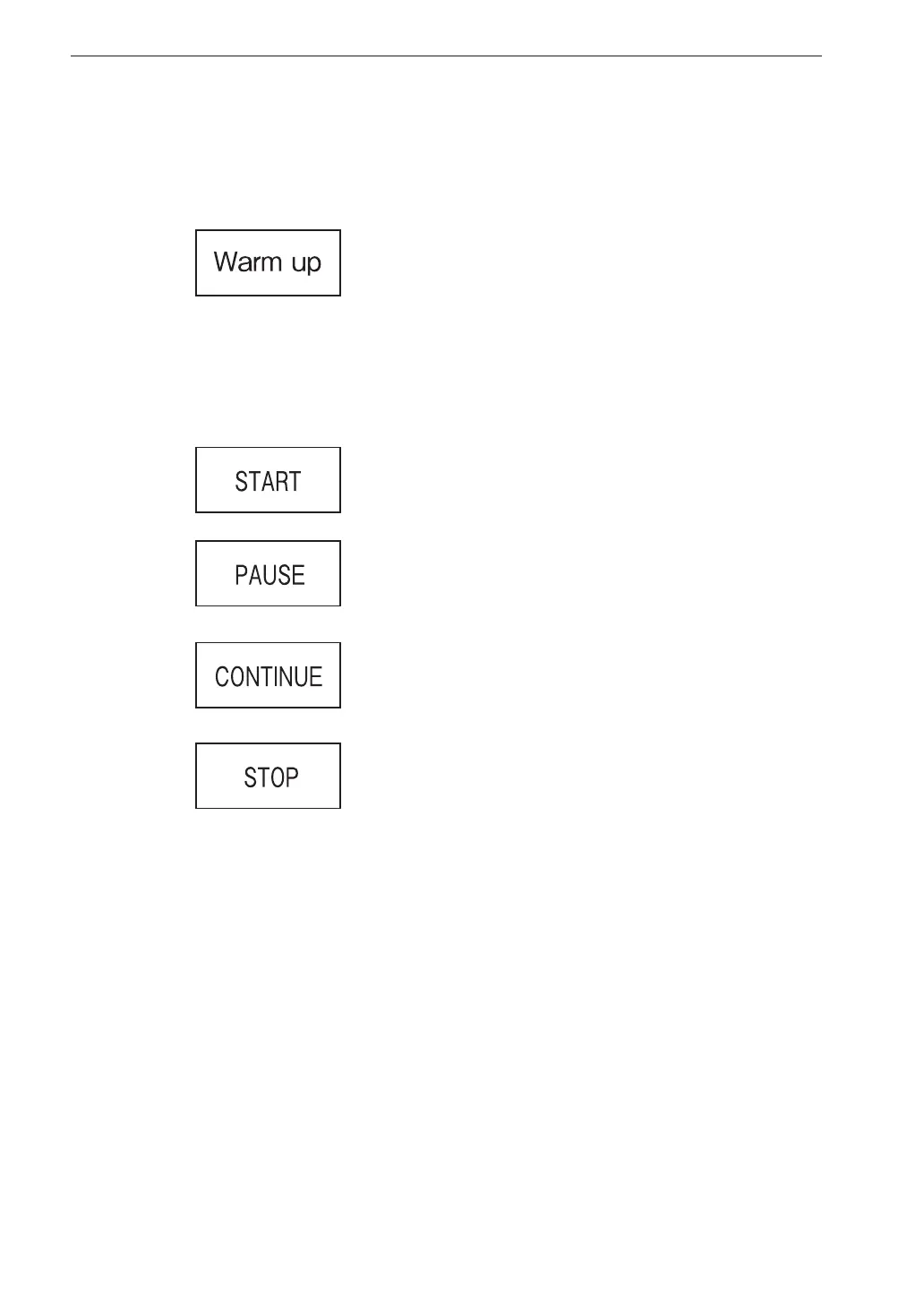
Indicator messages
After the power is turned on, a message is displayed as shown below.
When START/STOP key was pressed
and processing has started
When PAUSE/CONT key was pressed
and operation is paused
When PAUSE/CONT key was pressed
and processing has resumed
When START/STOP key was pressed
and processing has ended
When keys such as START/STOP is pressed, indicator messages such as
shown below will appear on the display for about 1 second.
POWER key is pushed, until about 1 minute 30 seconds
have elapsed since startup.



 To Next Page