73
Output Connectors
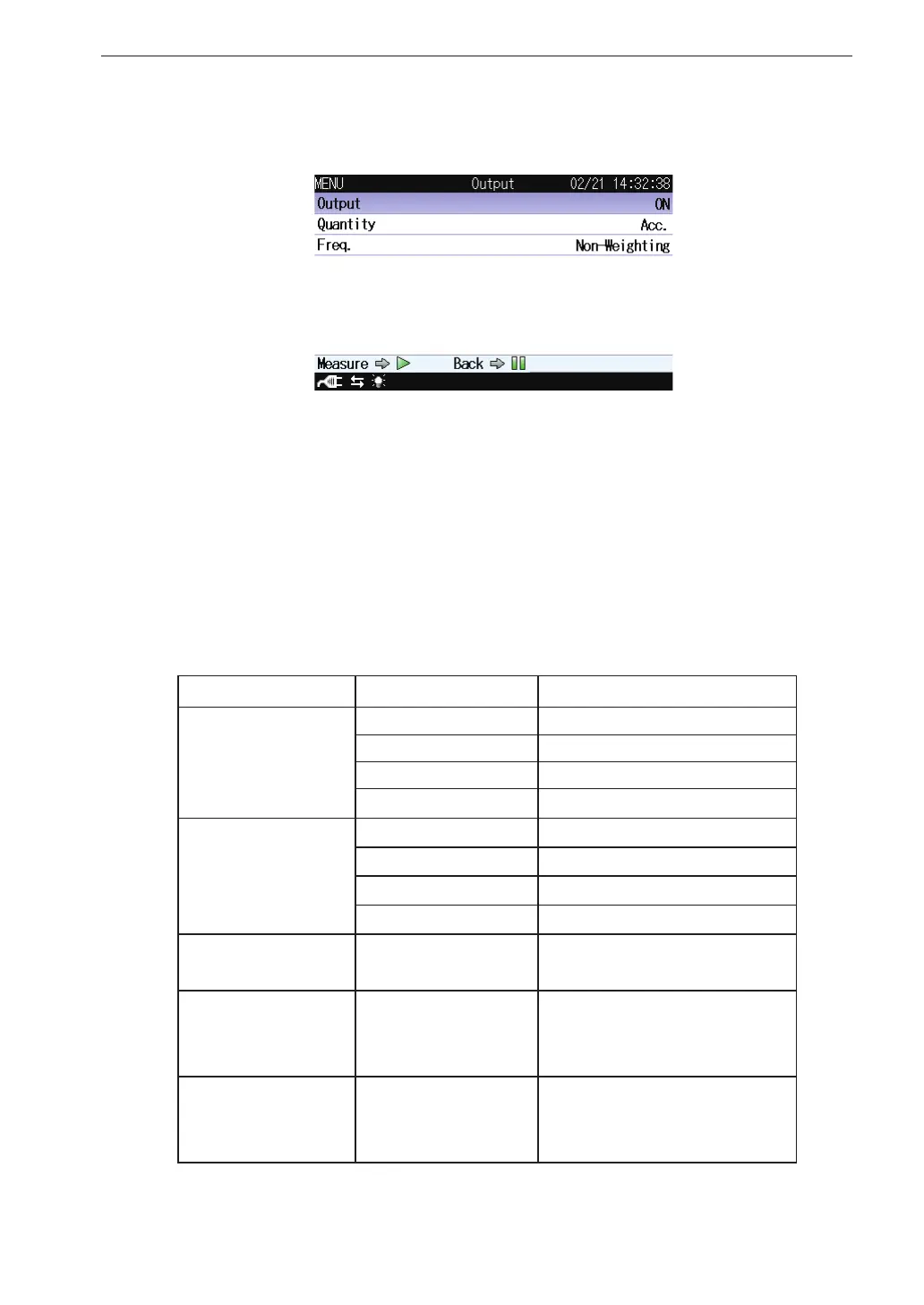
4. As necessary, switch “Output” ON/OFF. If you don’t need an AC
output, select OFF. If you select ON, then follow steps 5 and 6 below.
5. For “Quantity,” select between “Acc.” (Acceleration) and “Vel.” (Ve-
locity).
6. To output the frequency-weighted signal, select “Weighted.” To output
the non-frequency-weighted signal, select “not-Weighted.” To switch
between output signals on the measurement screen, select “Interlock.”
Below is a correspondence table between Measure setting and AC
OUT setting.
Freq. measure setting ACOUT
Interlock
Wb Wb
Wd Wd
Wm Wm
Non-Weighting Non-Weighting
Non-Weighting
Wb 0.5-80Hz Band Limiting
Wd 0.5-80Hz Band Limiting
Wm 1-80Hz Band Limiting
Non-Weighting Non-Weighting
- In any setting
"0.5Hz-Sensor Dependent
Band Limiting"
Building Damage
Freq. Range for Vel.
And Disp.(Building
Damage)
Freq. Range for Vel. And Disp.
(Building Damage) setting
Band Limiting
Human Exposure
Freq. Range for Vel.
(Human Exposure)
Freq. Range for Vel. (Human
Exposure) setting Band Lim-
iting



 To Next Page