87
Serial Interface
Installing the USB driver
By connecting the VM-56 to a computer with a USB cable, the VM-56 can
be controlled remotely from the computer, and measurement data can be sent
to the computer in real time. To enable use of these functions, you must rst
download driver software from the RION Corporation web site and install
this driver on the computer to be used with the VM-56. The driver will create
a virtual COM port on the computer.
Installation procedure
When connecting the VM-56 and the computer for the rst time, install
the USB driver as follows.
1. Download the latest USB driver from the RION Co., LTD. web site
(http://rion-sv.com/).
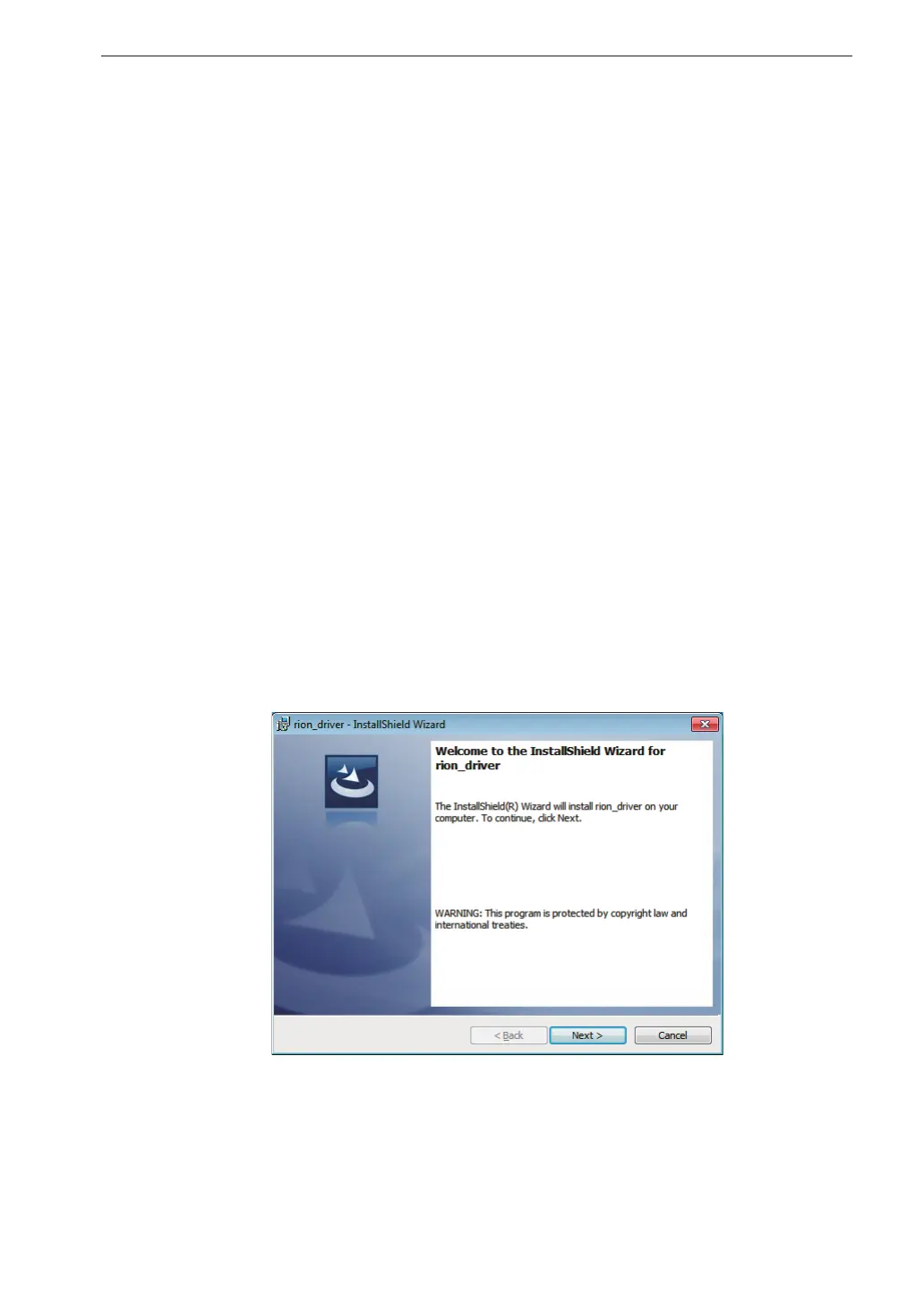
When using 32 bit OS, execute the le “setup.exe” located in the
“installer_x86” folder.
When using 64 bit OS, execute the le “setup.exe” located in the
“installer_x64” folder.
The installation starts.



 To Next Page