WisDom User Manual
17
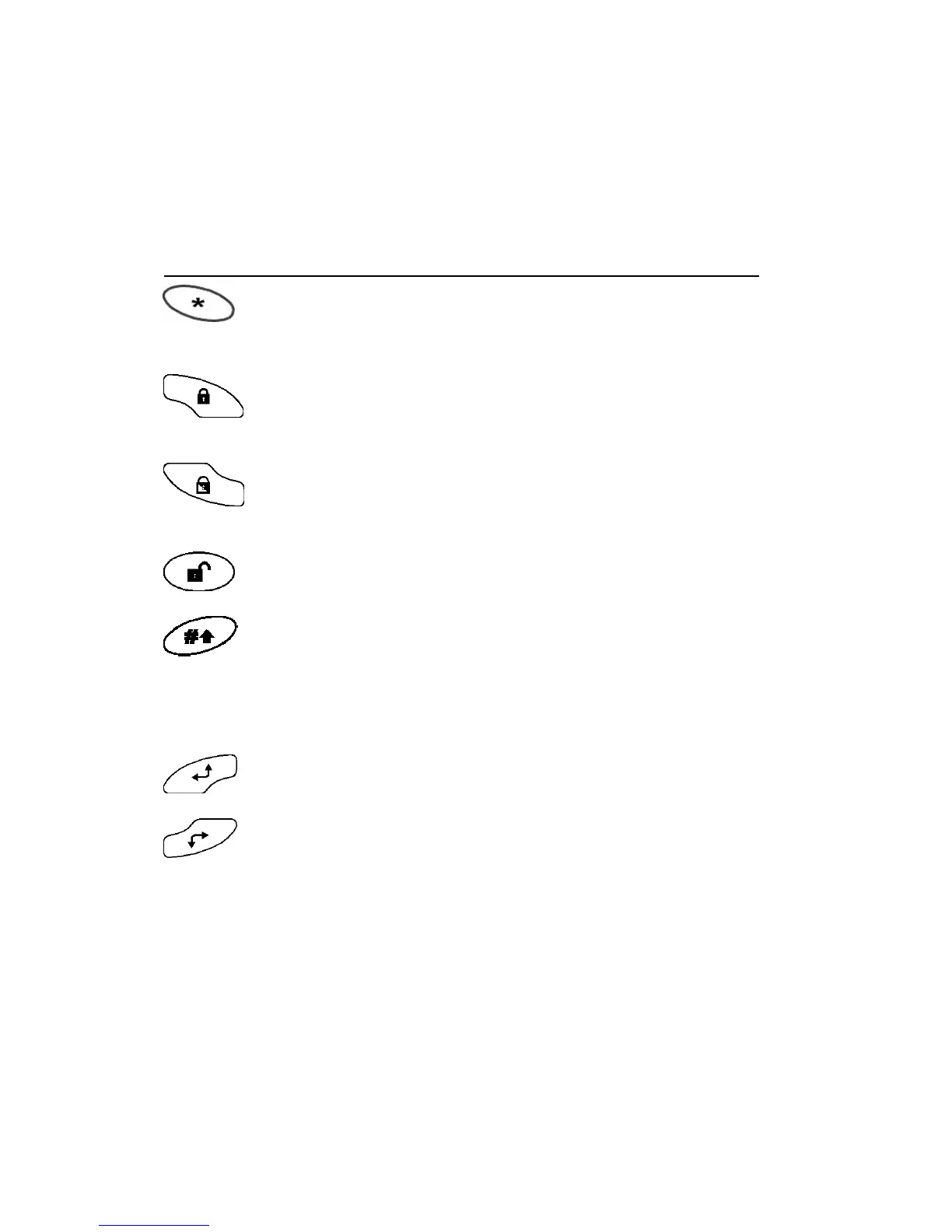
Control Keys
The functions of the control keys vary according to the mode being
used. The following table lists the functions of the keys in Normal
Operation mode and when using the User Functions menu:
Key Normal Operation User Functions
Activates the User
Functions mode.
Exits from the current
menu and/or returns to
Normal Operation mode.
Activates the Full mode
setting and quick setting
(System or partition).
Changes data.
Activates the Part (Night)
mode setting and quick
part (night) setting
Changes data.
Unsets the system after
the user code is entered.
-
Activates functions when
used with the numerical
keys. Refer to table on
page 6 for the options
activated by this key.
Terminates commands
and confirms data to be
stored
- Scrolls up a list or moves
the cursor to the left.
- Scrolls down a list or
moves the cursor to the
right.



 To Next Page