20 WisDom User Manual
LCD:
Enter code:
_
Enter code:
_
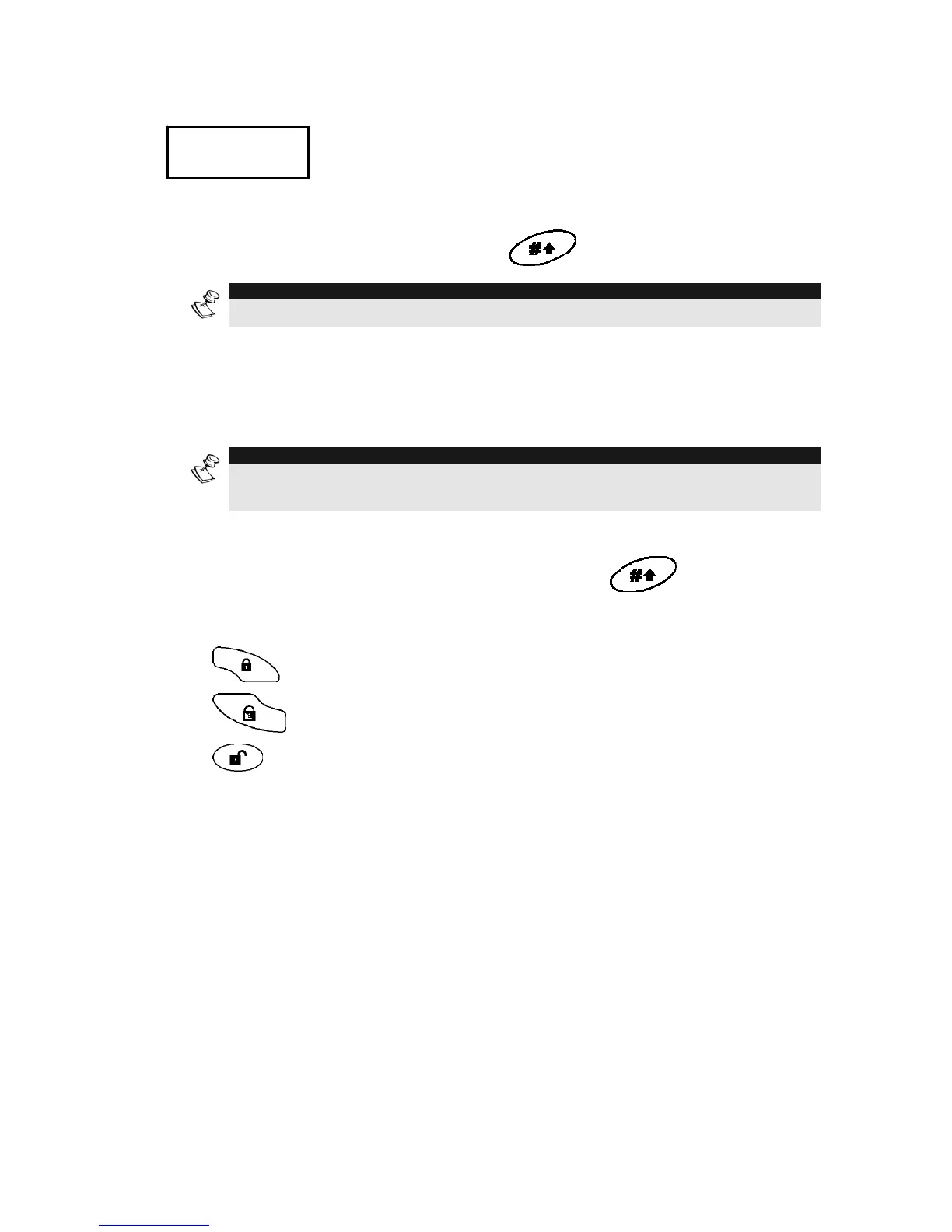
To release the keypad and return to normal operation mode press:
[CODE] +
NOTE:
During Blank Display mode the Ready LED indicates a fault in the system.
Full Set / Part Set / Unset in Blank Display Mode
To perform setting or unsetting while the system is in Blank Display
mode:
NOTE:
For detailed instructions regarding setting or unsetting your system refer to
Chapter 3.
1)
Release the keypad by pressing [CODE] +
2)
Within 2 minutes time press:
for Full setting.
for Partial setting.
for unsetting



 To Next Page