SteelFusion Edge Hardware and Maintenance Guide
75
Installing licenses and activating specifications Upgrading SteelFusion Edge Appliances
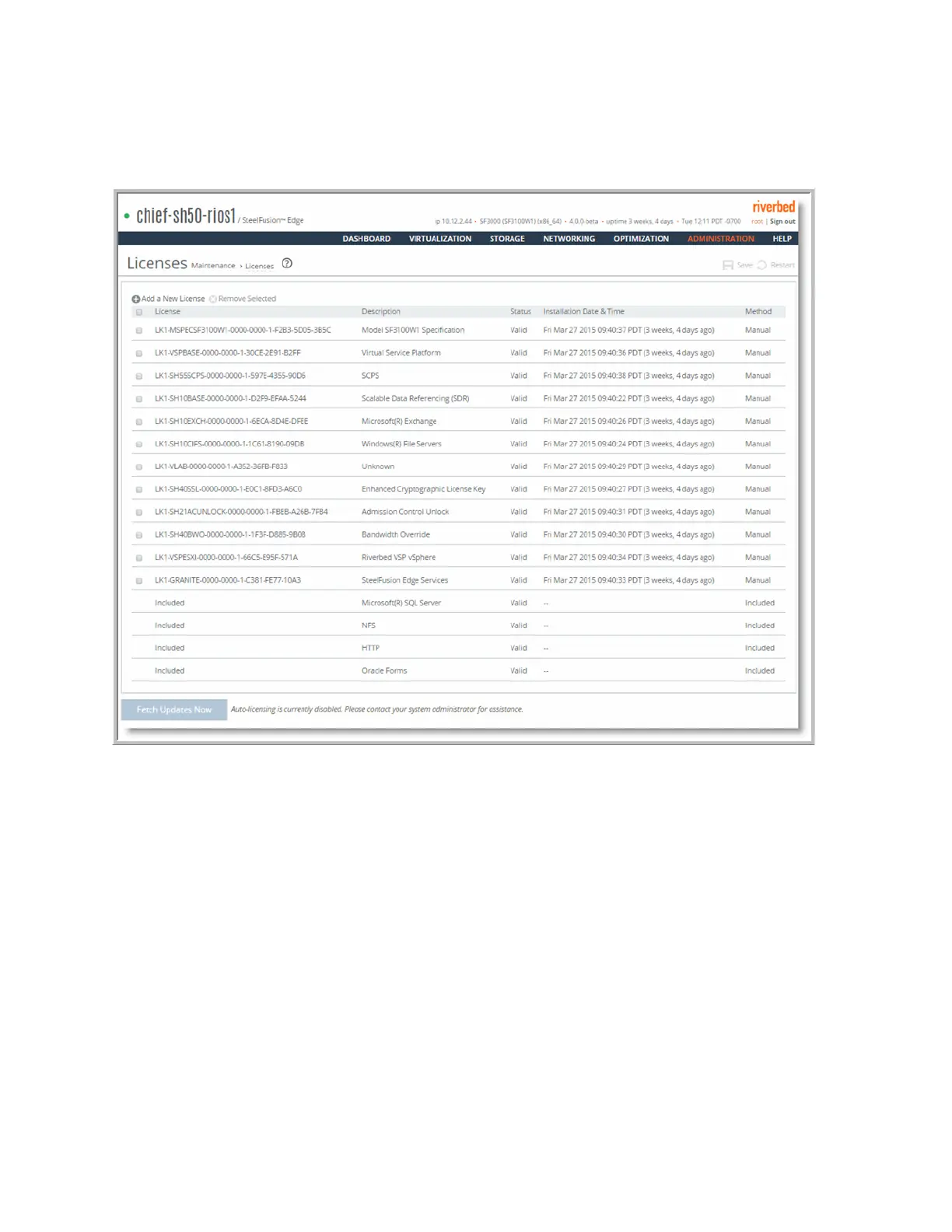
To install a model upgrade license using the Management Console
1. Choose Administration > Maintenance: Licenses to display the Licenses page.
Figure A-1. Licenses page
2. Click Add a New License to display the text box to add a new license.
3. Copy and paste the license key into the text box.
4. Click Add to add the license.
5. Click Save to save your settings permanently.
To activate a model upgrade specification using the Management Console
1. Choose Administration > Maintenance : Services to display the Services page.
2. Under Optimization Service, click Stop to stop the optimization service.
3. Choose Administration > Maintenance: Licenses to display the Licenses page.



 To Next Page