76 SteelFusion Edge Hardware and Maintenance Guide
Upgrading SteelFusion Edge Appliances Installing licenses and activating specifications
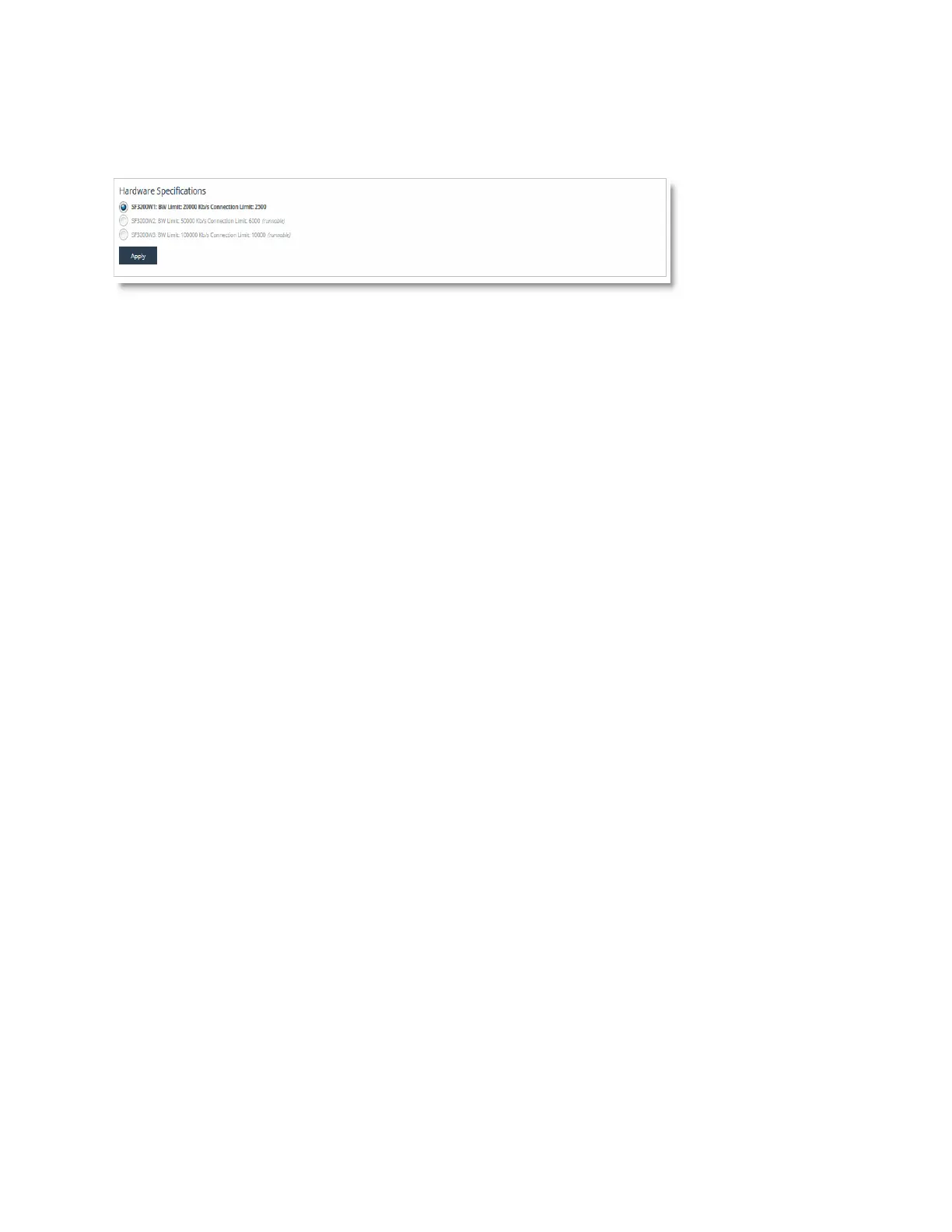
The hardware model specifications appear at the bottom of the page. The current specification
appears in bold.
Figure A-2. Hardware model specifications
4. Select the model specification you want to activate.
If a model specification requires an appliance reboot after activation, the message “activation
reboots appliance” appears.
5. Click Apply.
6. Click the Restart icon to restart the optimization service.
When the upgrade is complete, the appliance is transformed into the new model. The model
number appears on the appliance banner in the upper-right corner of the screen. The appliance
retains its original serial number.
Note: After upgrading a model, you need to reapply admission control overrides relative to the default admission
control values of the new model.



 To Next Page