SteelFusion Edge Hardware and Maintenance Guide
99
Viewing field-replaceable unit information Monitoring and Managing the Appliances with BMC
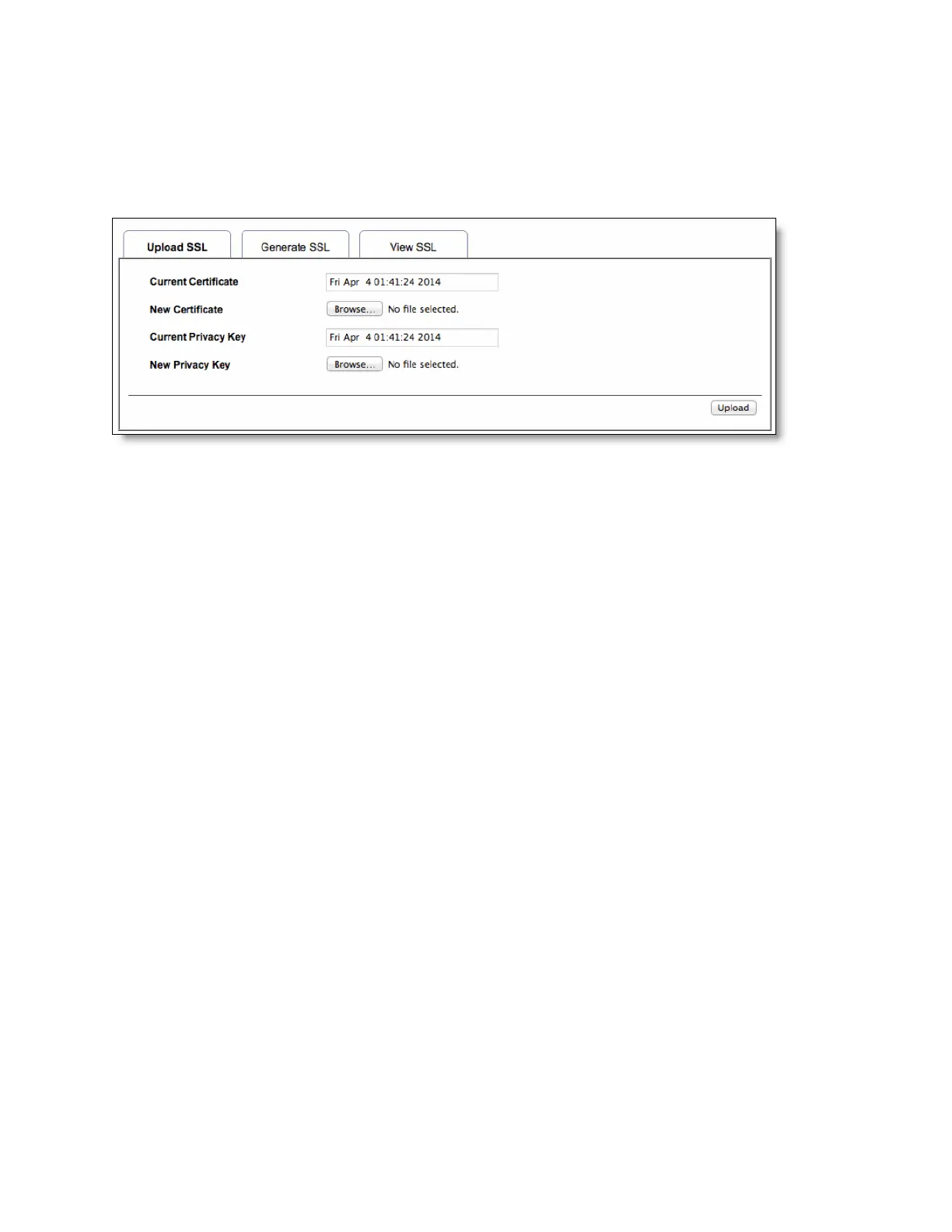
To upload a certificate and private key
1. Choose Configuration > SSL and select the Upload SSL tab.
The Current Certificate and Current Privacy Key appear with the date and time of the upload.
Figure D-7. Upload SSL certificate
2. Click Browse and navigate to the certificate and privacy key file.
The file needs to be a PEM file.
3. Click Upload to transfer the SSL certificate and privacy key to the BMC.
Once uploaded, the HTTPS service restarts and begins using the uploaded SSL certificate.
4. Restart your browser to begin using the new certificate.
You can view the certificate details in the View SSL tab.
If this is a self-signed certificate, you need to add the certificate to the trusted list of certificates for
your browser.



 To Next Page