81
Display modes
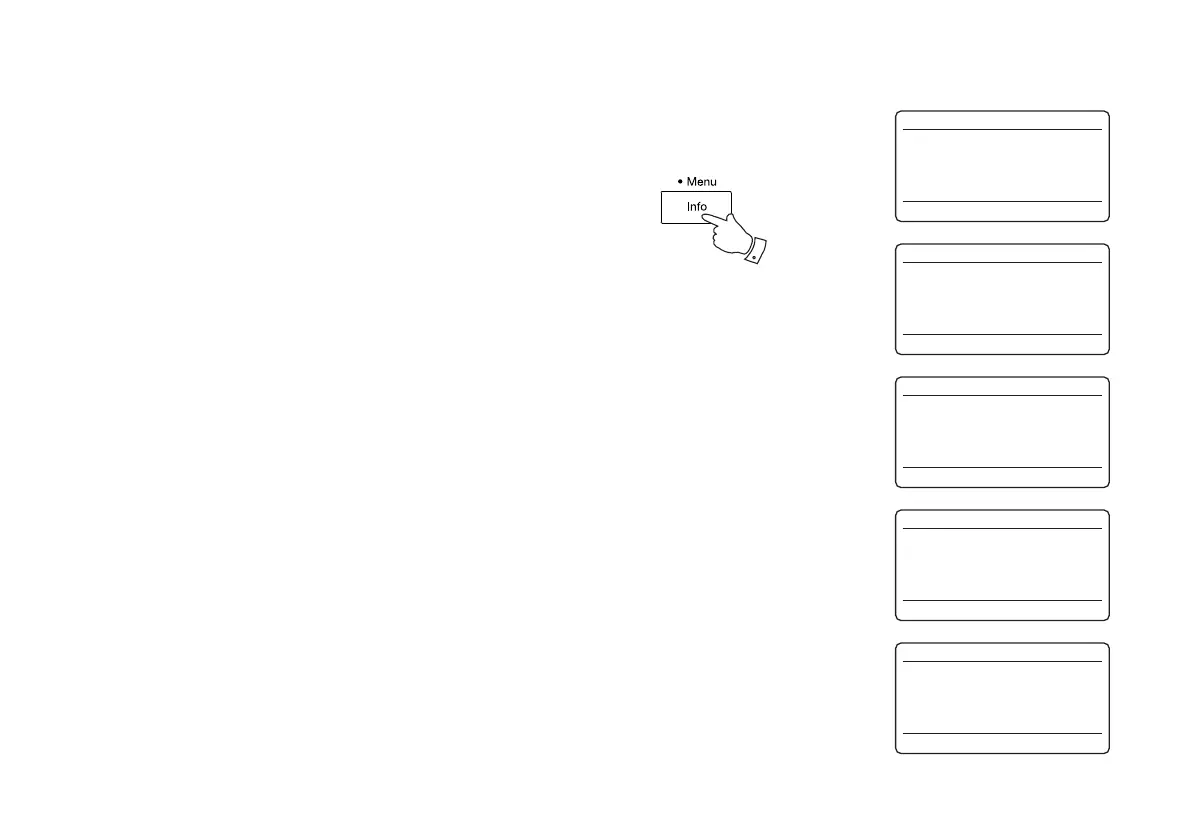
Your sound system has a range of display options when in MP3 / WMA CD
mode. Note that not all information may be available for all fi les.
1. Press and release the Info button to cycle through the different options.
a. Progress Displays the playback progress for the
track currently playing.
b. File name Displays the fi le name and audio format
of the track currently playing.
c. Album Displays the name of the album from
which the current track is taken.
d. Artist Displays the name of the artist for the
currently playing track.
e. Title Displays the title of the currently playing
track.
1
CD
12:34
FO1 T002 00:30
Playing
CD
12:34
FO1 T002 00:30
Filename:03__IT_.MP3
CD
12:34
FO1 T002 00:30
Album:
Tapestry
CD
12:34
FO1 T002 00:30
Artist:
Carole King
CD
12:34
FO1 T002 00:30
Title:
Home Again



 To Next Page