C2 User Manual, Release 1.0.0
Next, insert the filament feed tube into the filament sensor block, and then insert it into the extruder.
Inside the toolbox you will find the hotend cover. Go ahead and take that out and place it over the hotend. It is held in
with magnets so it just pops right in.
From here you’ll want to connect the power cord to the designated area on the back of the printer and then plug it into
an AC outlet.
Now go ahead and turn on the printer.
1.5 Connecting to Wi-Fi
We highly recommend connecting Robo C2 to your Wi-Fi network. Doing so provides you with necessary updates
that allows for a more enjoyable 3D printing experience.
Note: You can also use an Ethernet cable (LAN) to connect Robo C2 directly to your Wi-Fi network.
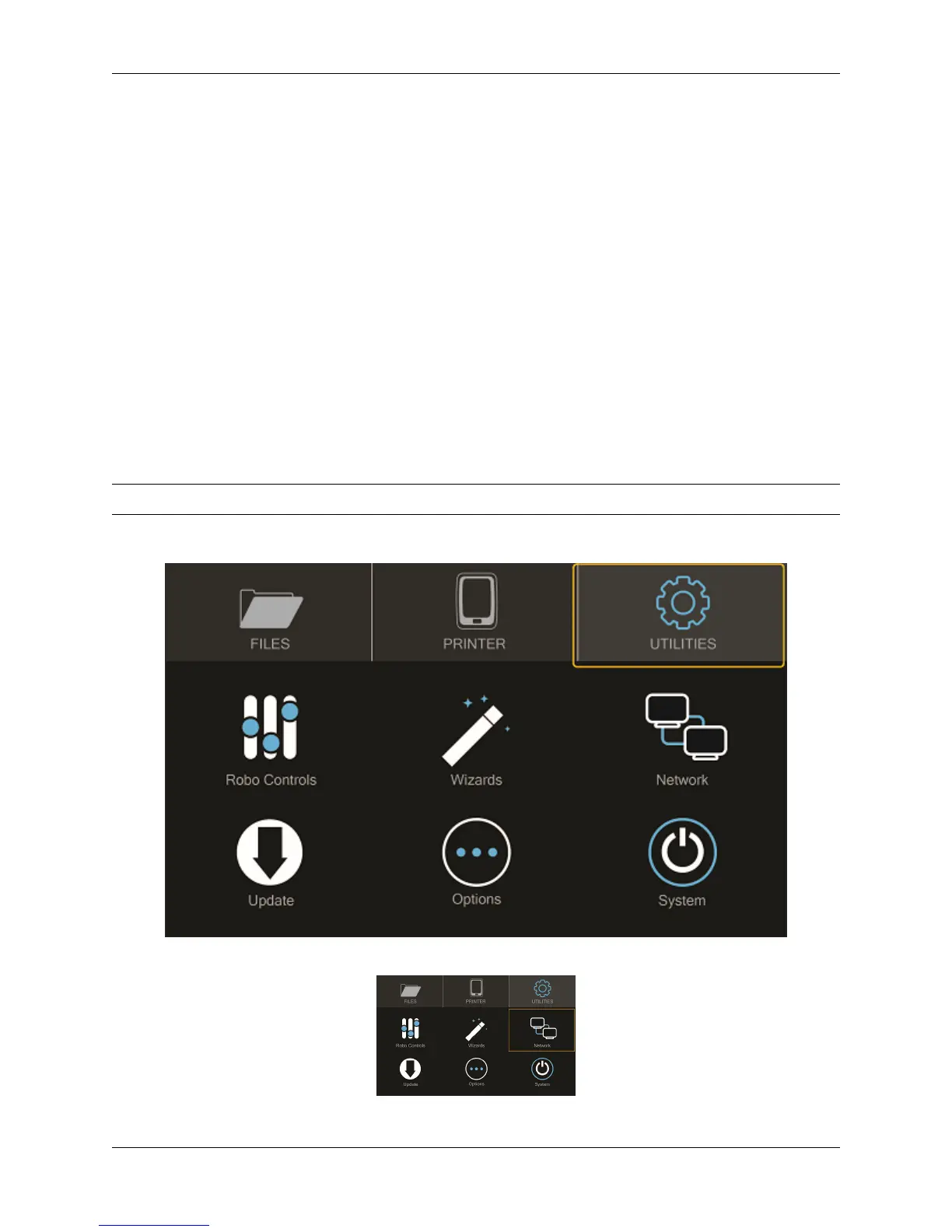
To begin connecting to your Wi-Fi network, Select UTILITIES on home screen.
Select NETWORK.
6 Chapter 1. Getting Started



 To Next Page