C2 User Manual, Release 1.0.0
7.3 Adding a Printer
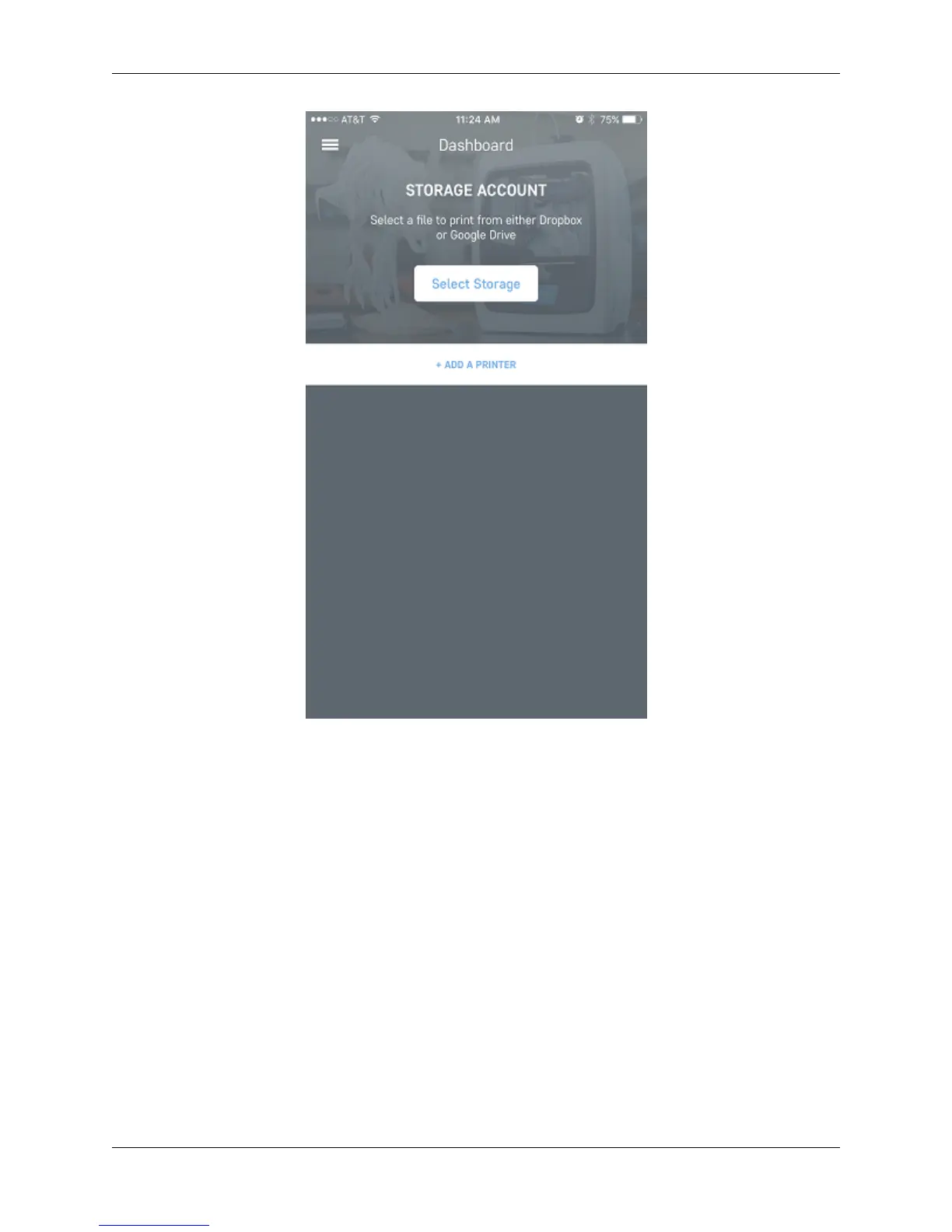
Once you are in the Robo app, the first screen that will appear is the dashboard. From here you can add a printer that
is on the local network (make sure your printer is connected to a wifi network).
First, click the ‘Add Printer’ button towards the middle of the screen. This will take you through a series of steps to
set up the new printer on the Robo app.
7.3. Adding a Printer 101



 To Next Page