C2 User Manual, Release 1.0.0
7.5 Quick Workflow
There is an easy workflow to get from file to printing and these are the steps to do it:
1. Make sure you are logged into your Google Drive or Dropbox account.
2. Go to your browser on your iOS device, and find a file on a file sharing site. We suggest www.thingiverse.com
or www.myminifactory.com
3. While still in the browser, upload that file to your Google Drive or Dropbox account.
4. Next, go into the Robo app.
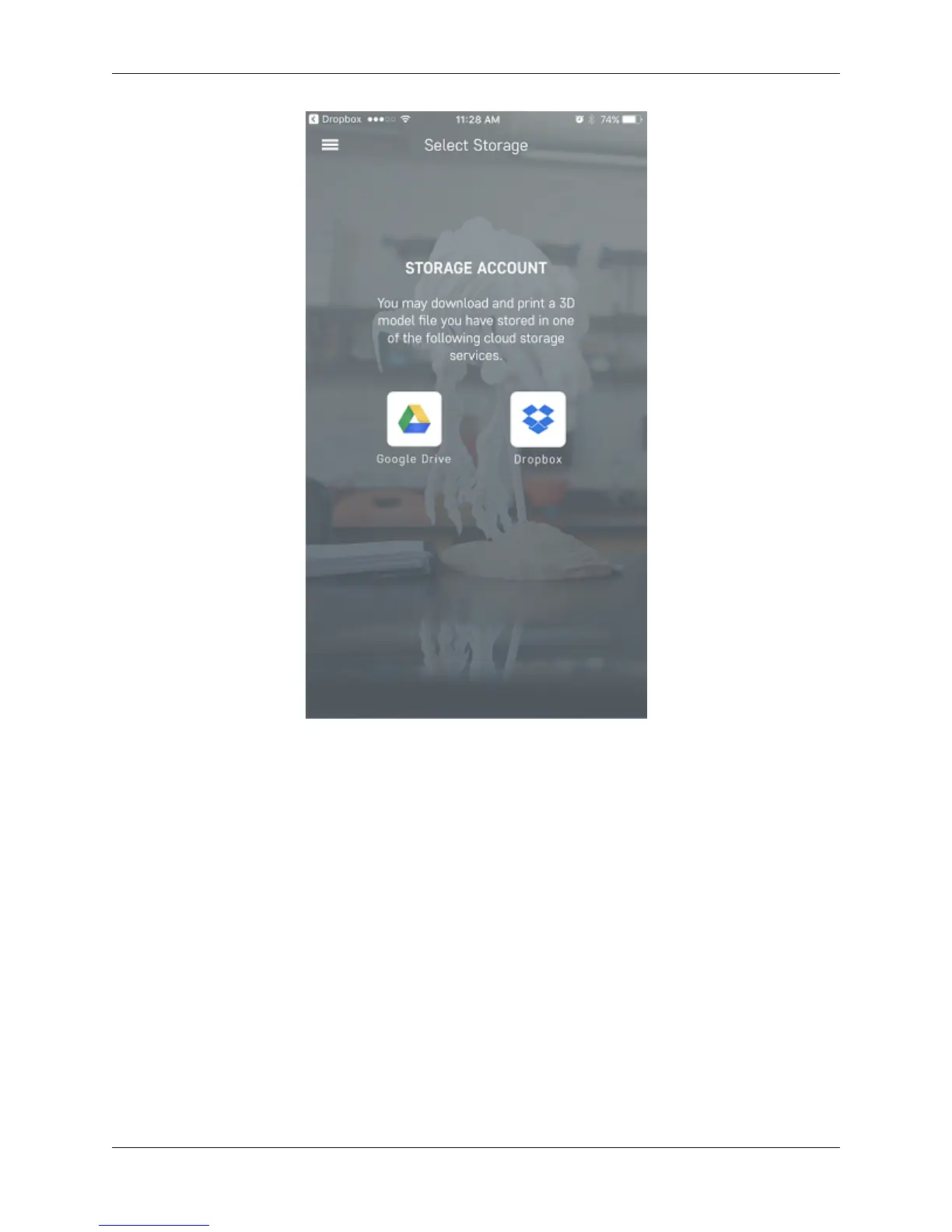
5. In the dashboard, click on the button labeled ‘Select Storage’.
6. Now select the storage where you had uploaded the file to.
7. Once you are in here, find the file that you had uploaded and click on it. This will bring up a pop-up of which
printer you would like to send the file to.
8. Select the printer you want to print the file with, and it will go directly into either slicing mode, or a page that
will allow you to start the print.
7.5. Quick Workflow 111



 To Next Page