C2 User Manual, Release 1.0.0
2. Unaligned Axis
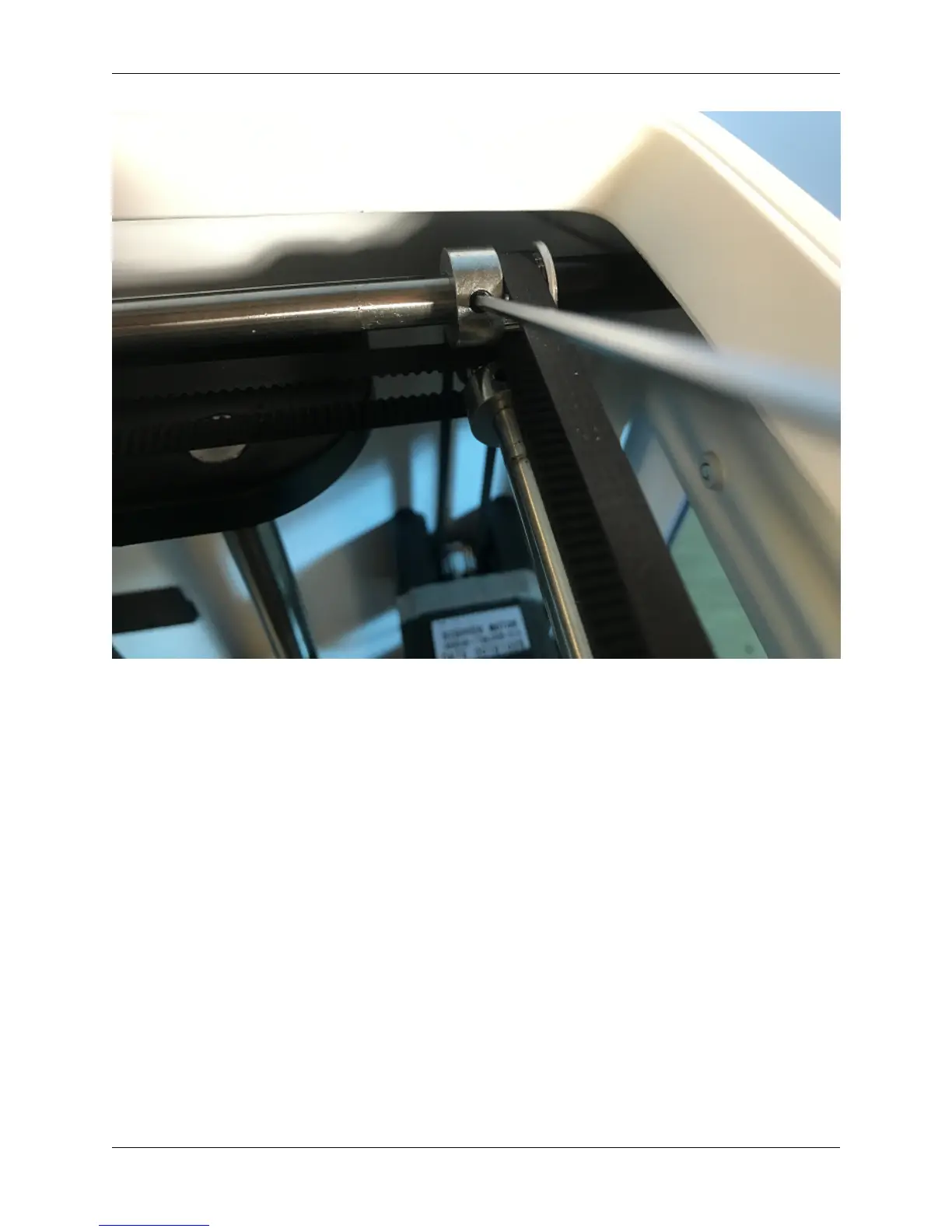
• Re-align your axis to be perpendicular to each other. To do this, use the orange clips that came with your printer.
• Unplug your machine, and move your extruder to the front right corner.
• Using the orange rod stabilizers, attach one at each corner of the gantry, completing a square. This should
re-align your brackets and revive your print quality.
4.5 Hotend Clogged
1. Not Heating up enough
• Make sure all of your wiring is plugged in and firmly mounted in its correct brackets.
• Nozzle Wires should be plugged into the correct terminals on the underside of the extruder.
• Wires should be plugged in and seated correctly on the top electronics board at the top of the extruder.
4.5. Hotend Clogged 41



 To Next Page