C2 User Manual, Release 1.0.0
6.9 View history and statistics of printer
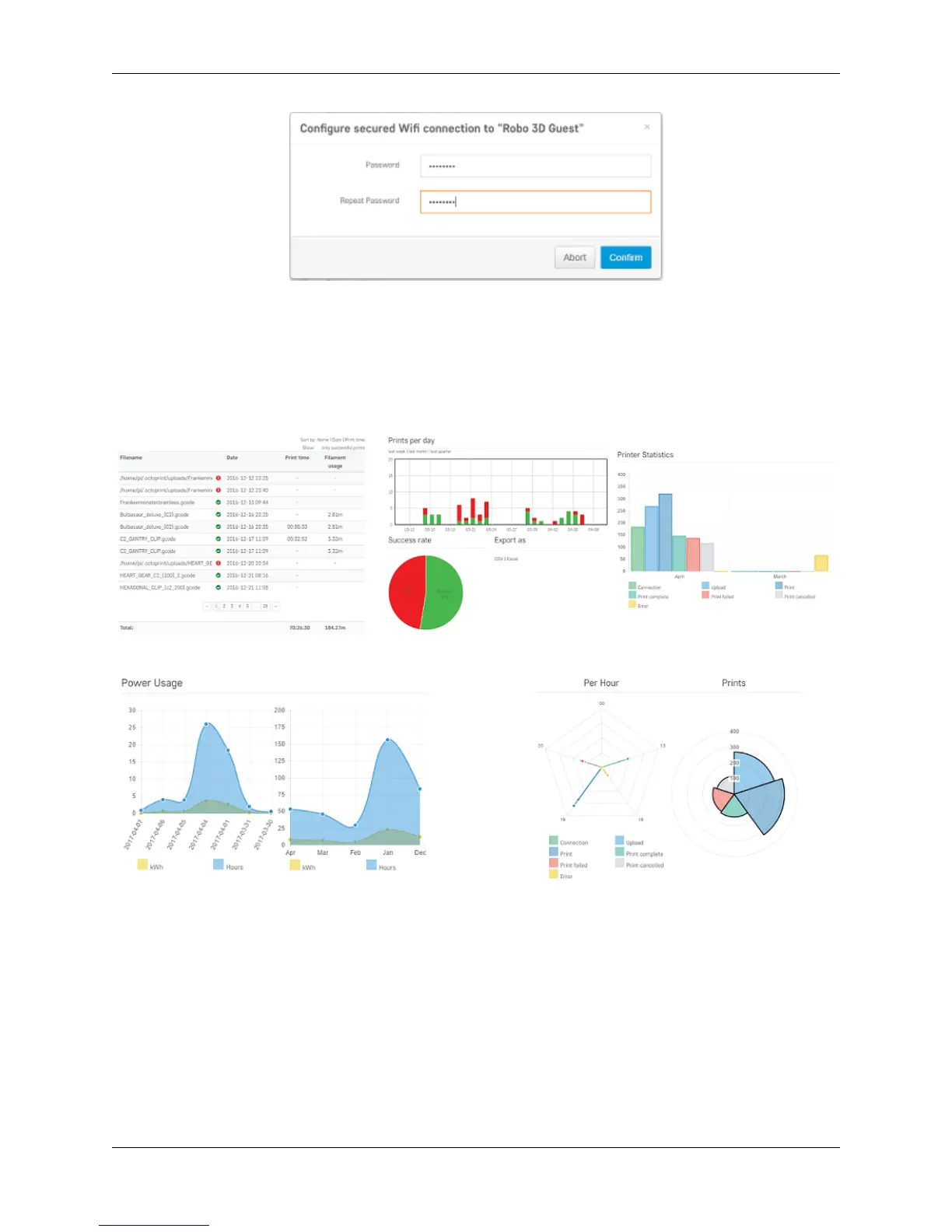
There are a few modules on the web dashboard that allow you to view some statistics of your printer. Some of the
things you can get info on are; history, prints per day and success rate, printer statistics, and power usage. This is a
good way to track your printer and will be displayed as the following;
6.10 Set your z-offset
With the web dashboard, you can manually adjust your z-offset value. To do this, click the ‘Settings’ button in the
upper right of the interface. When the settings window pops up, scroll to the bottom of the menu on the left hand side.
Here you will find a menu option named ‘EEPROM Marlin Editor Plugin’ that you will need to select. This will bring
up an almost empty page. There are two buttons labeled ‘Load EEprom’ and ‘Save to EEprom’. Go ahead and click
the ‘Load EEprom’ button.
92 Chapter 6. Robo Web Dashboard



 To Next Page