C2 User Manual, Release 1.0.0
How to connect the printer to the wireless network through hotspot mode
If you are having trouble connecting to a wireless network directly through the Robo C2 or Robo R2 screen, you can
use the web dashboard to get around this issue.
1. First, we must connect to the printer via hotspot mode. Once we have secured a connection through hotspot
mode, click on your ‘Settings’ button in the upper right of the interface.
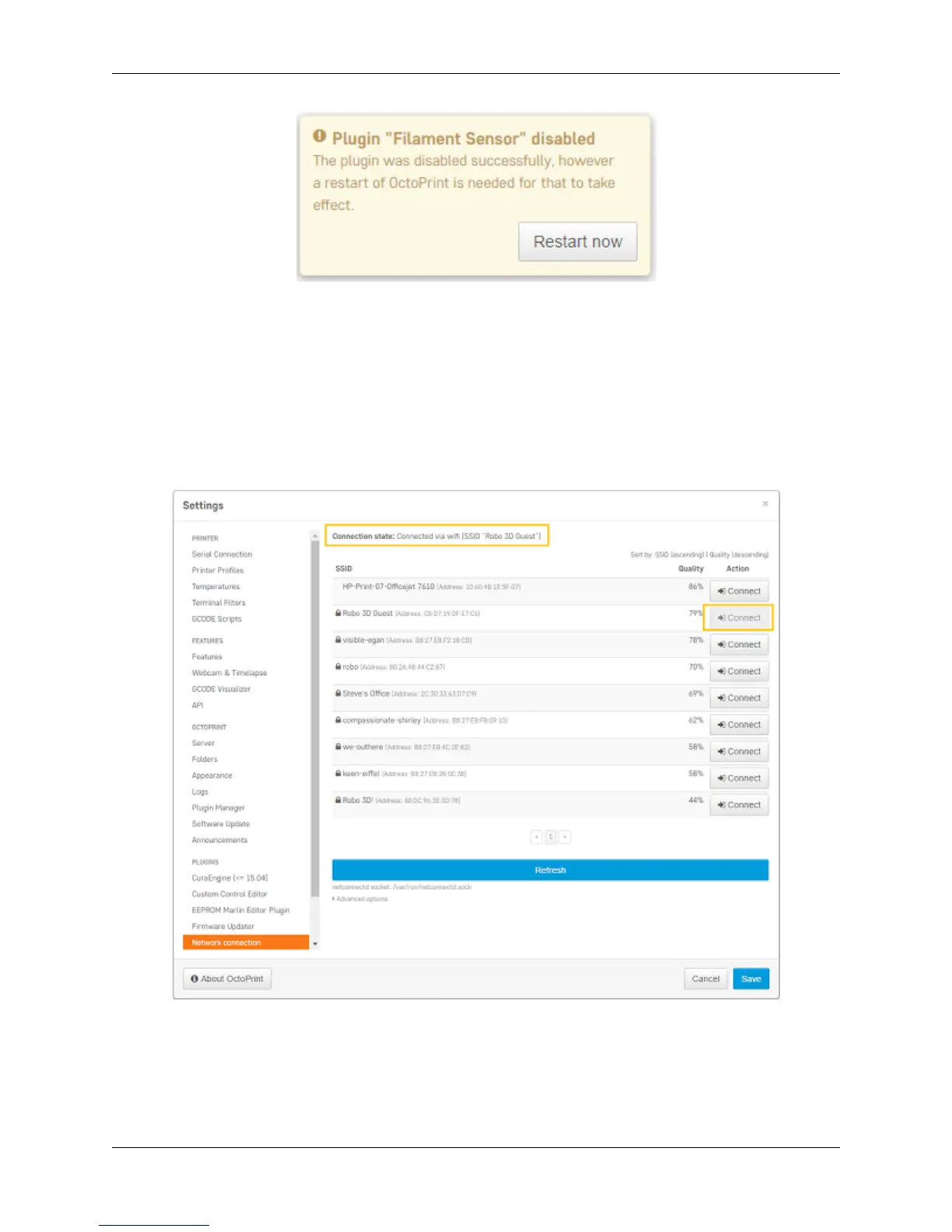
2. Next, scroll down to ‘Network connection’ at the bottom of the left hand menu. Here you will see a list of
available wireless networks that you can connect to.
3. Choose a wireless network that you wish to connect to, and press ‘Connect’.
4. A pop up will come up to enter a password. Enter it and press ‘confirm’. If you connected correctly, the
‘connection state’ will show you if you are connected to the wireless network of your choice.
6.8. Manage plugins 91



 To Next Page