C2 User Manual, Release 1.0.0
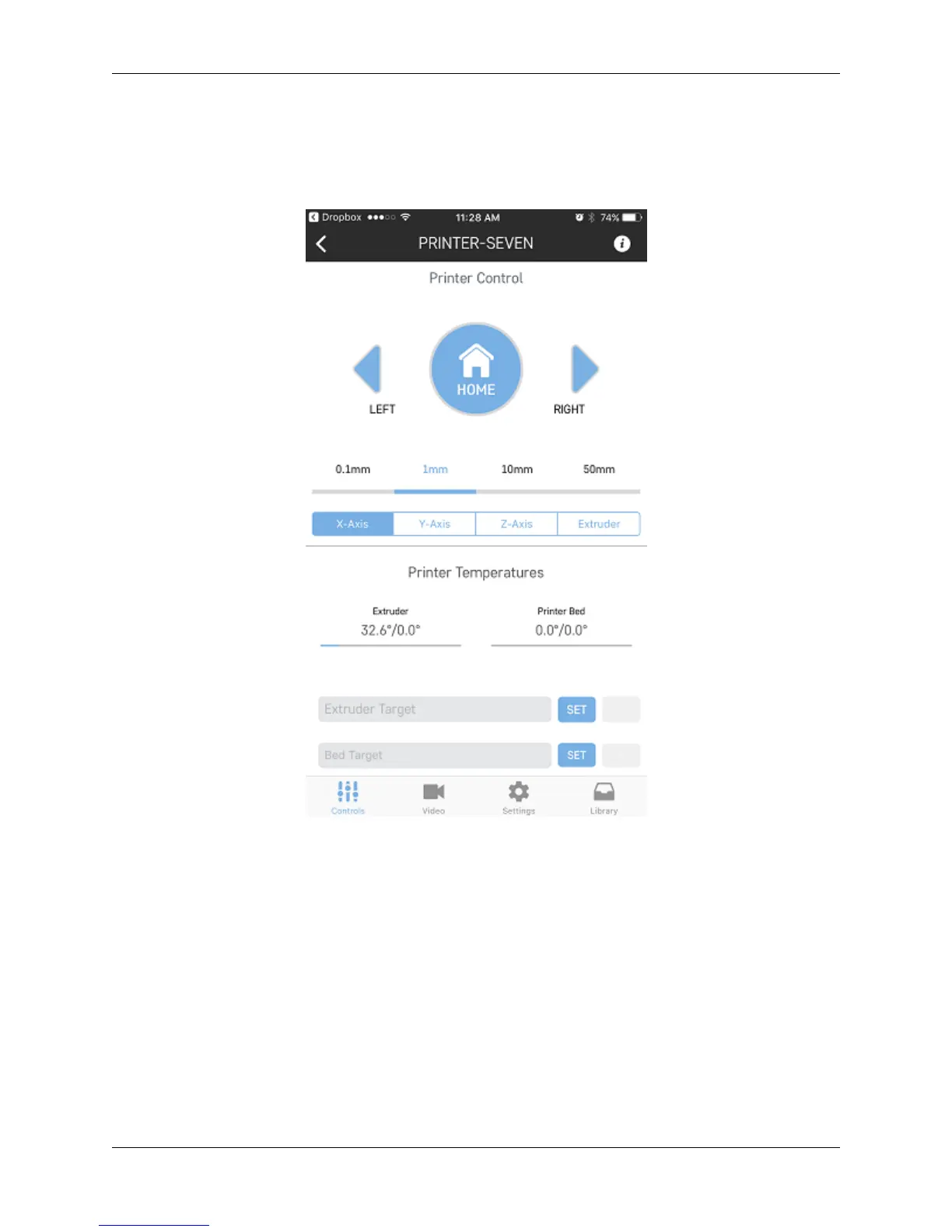
7.6 Printer Controls
If your printer is not currently in a printing state, you can control different aspects by clicking directly on the name of
the printer you want to control from the dashboard.
Here you can move motors, heat up your nozzle, as well as view your terminal, which will show you what commands
your printer is currently reading.
7.7 Slicing a model
If you have an STL file that is saved in your cloud storage or on the printer itself, you can slice the file and get it ready
for printer through the app by using these steps:
1. Go to your library either on your cloud storage or on the library within the printer. Once you click on an stl file
you wish to print, you will be taken to a slicing wizard screen.
112 Chapter 7. Robo App for iOS



 To Next Page