C2 User Manual, Release 1.0.0
Tip: Save your printer box, nylon strap, foam inserts, and inclusions box for transportation. Also, you might need
the original packaging to exercise your warranty or ship your printer in the future.
The printer’s accessories are stored in the inclusions box inside the printer. Simply slide the inclusion box out and be
sure to remove the foam.
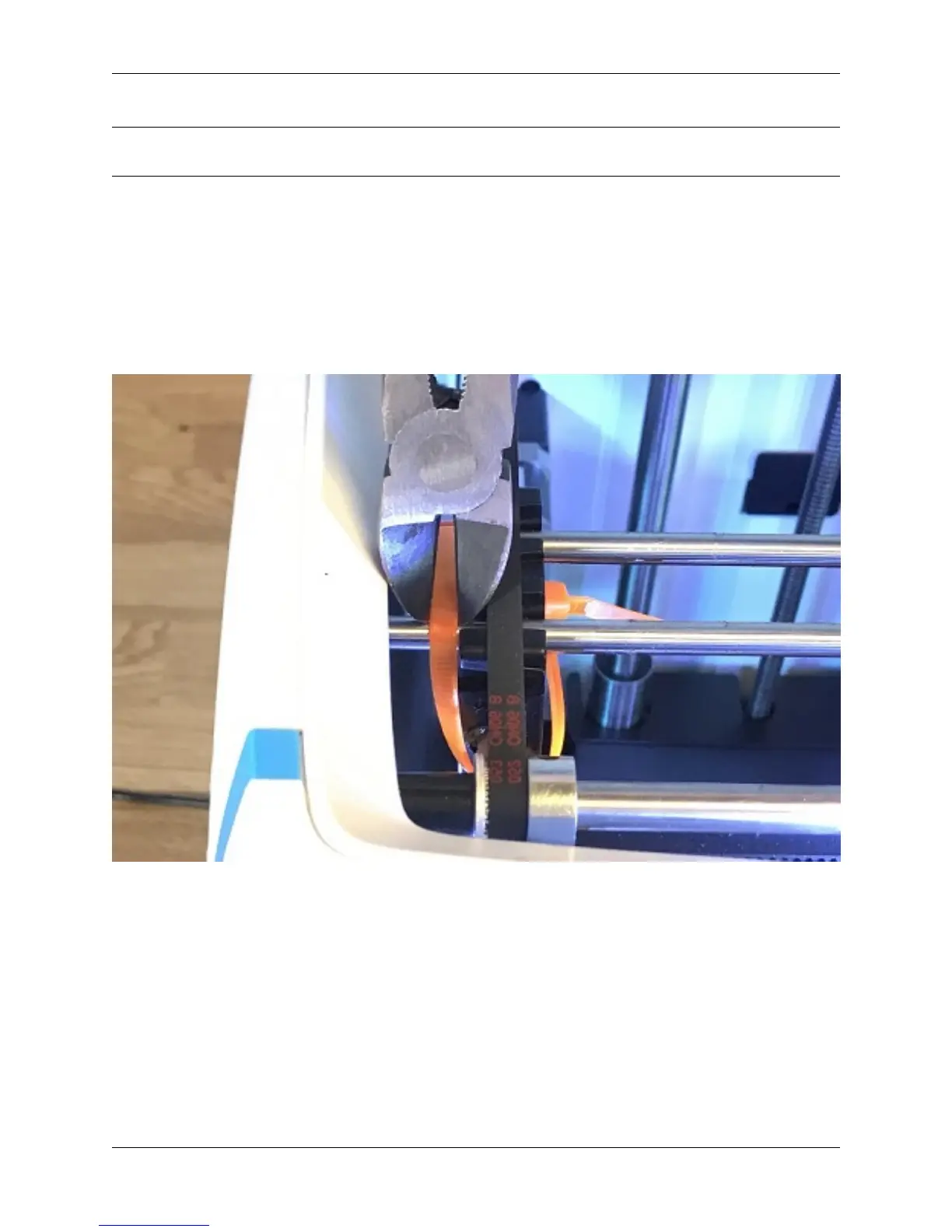
Now we are ready to take off the additional shipping material and zip ties. There are 4 orange rod holders that need to
be taken off. Simply push on the clip and it will come off. There is one at each corner of the top gantry.
Next, remove the zip ties securing the rods to their plastic brackets
1.3 Register your Robo C2
Before you start, please register your Robo C2 for any servicing or warranty needs if they’re ever required. You can
register your product by visiting our registration_site.
1.4 Initial set-up
Now let’s move forward with your initial set-up of Robo C2.
First, insert the spool holder into the rear slot of the printer. Make sure the taller tab is inserted first.
1.3. Register your Robo C2 5



 To Next Page