C2 User Manual, Release 1.0.0
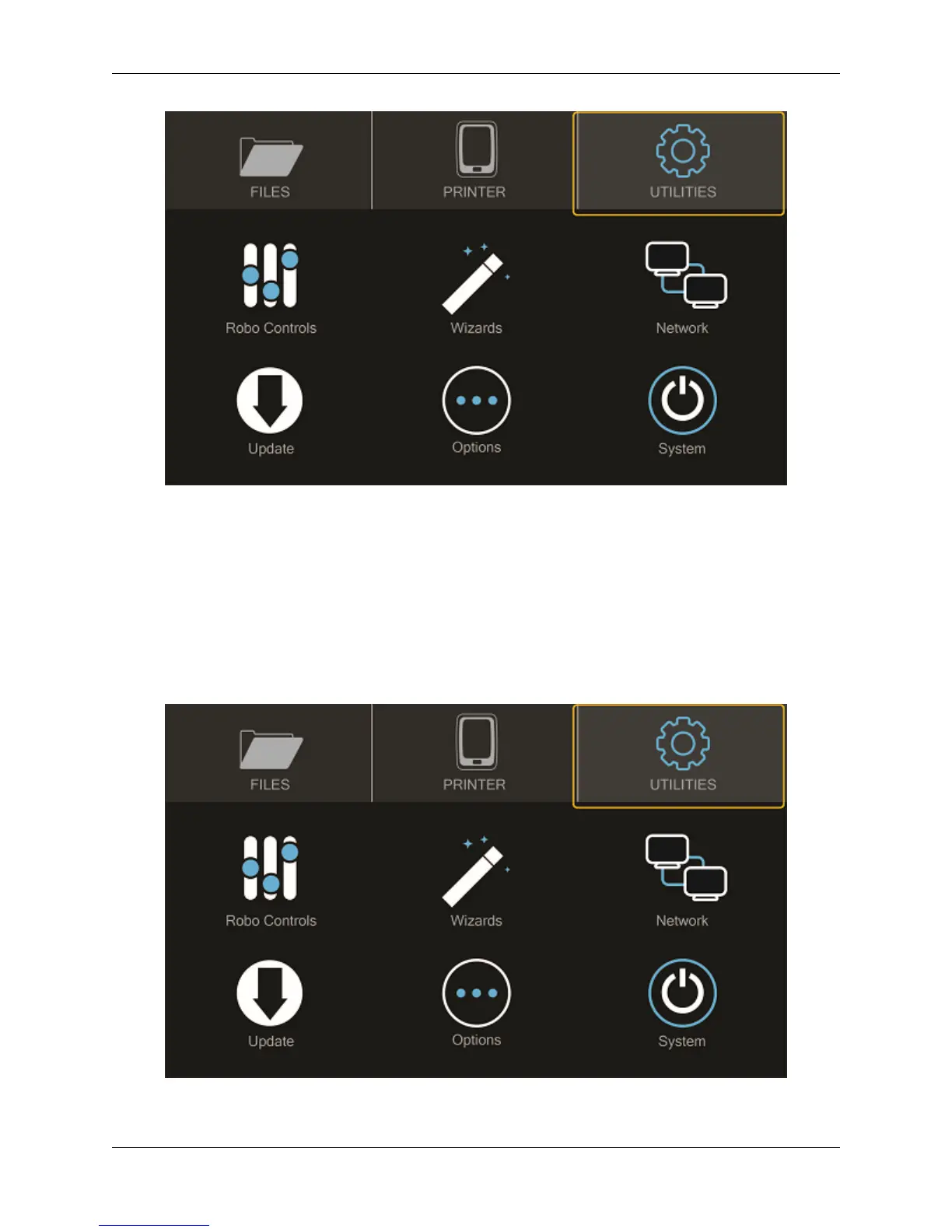
Select UPDATE
Screen will say UP_TO_DATE if software is already updated. If not, select UPDATE and the update will begin.
Note: Follow this process regularly to ensure software is always up to date.
1.7 Calibration and setting Z offset
Next you’ll want to calibrate Robo C2 by selecting UTILITIES on the touch screen, and then select WIZARDS from
the list.
8 Chapter 1. Getting Started



 To Next Page