C2 User Manual, Release 1.0.0
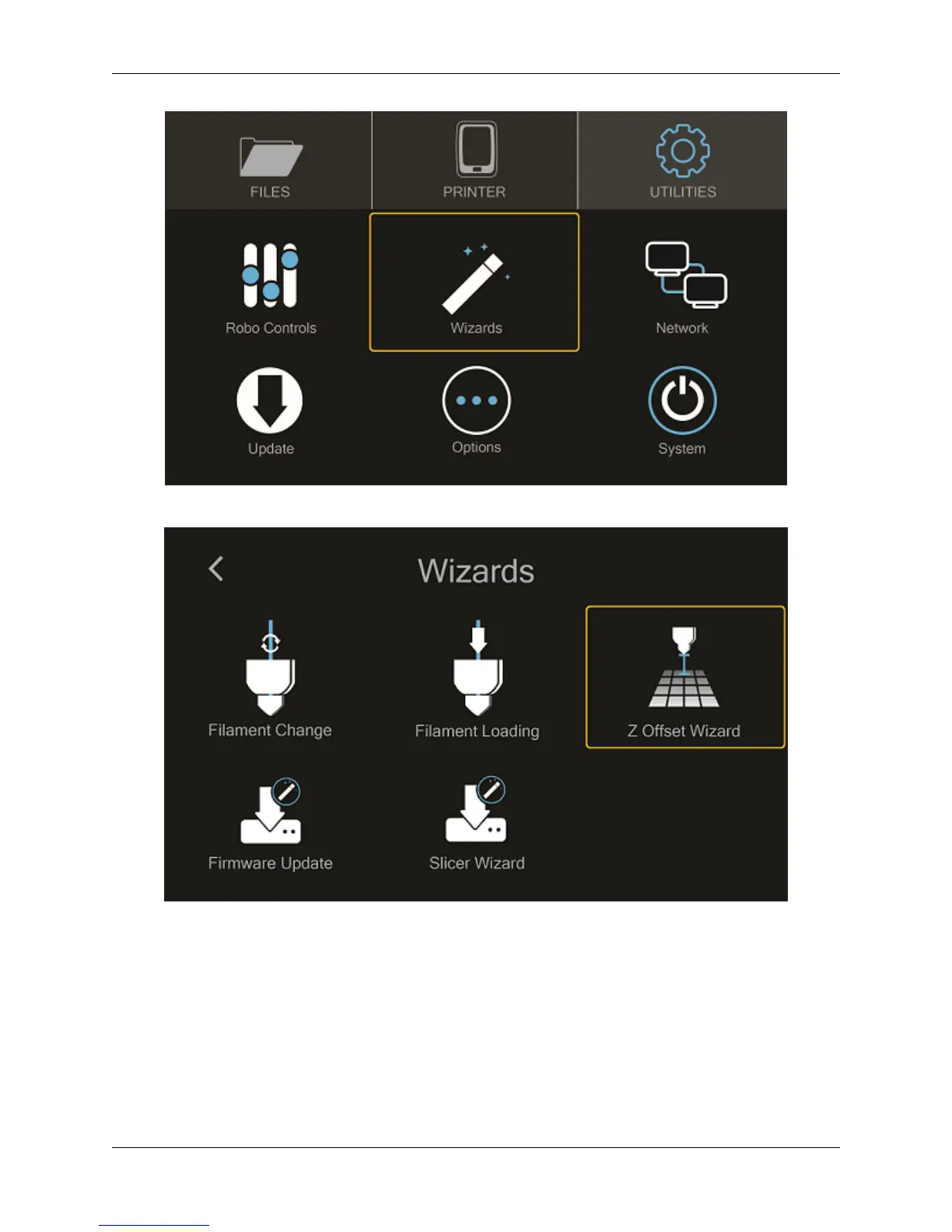
From here you’ll select Z OFFSET WIZARD.
Now, the printer will wait to calibrate its home position
Press up and down on the arrow buttons while sliding a piece of paper between the nozzle and the print bed until you
feel some resistance against the paper
Press FINISHED
Note that you will see the offset progress and completion on the touchscreen.
1.7. Calibration and setting Z offset 9



 To Next Page