C2 User Manual, Release 1.0.0
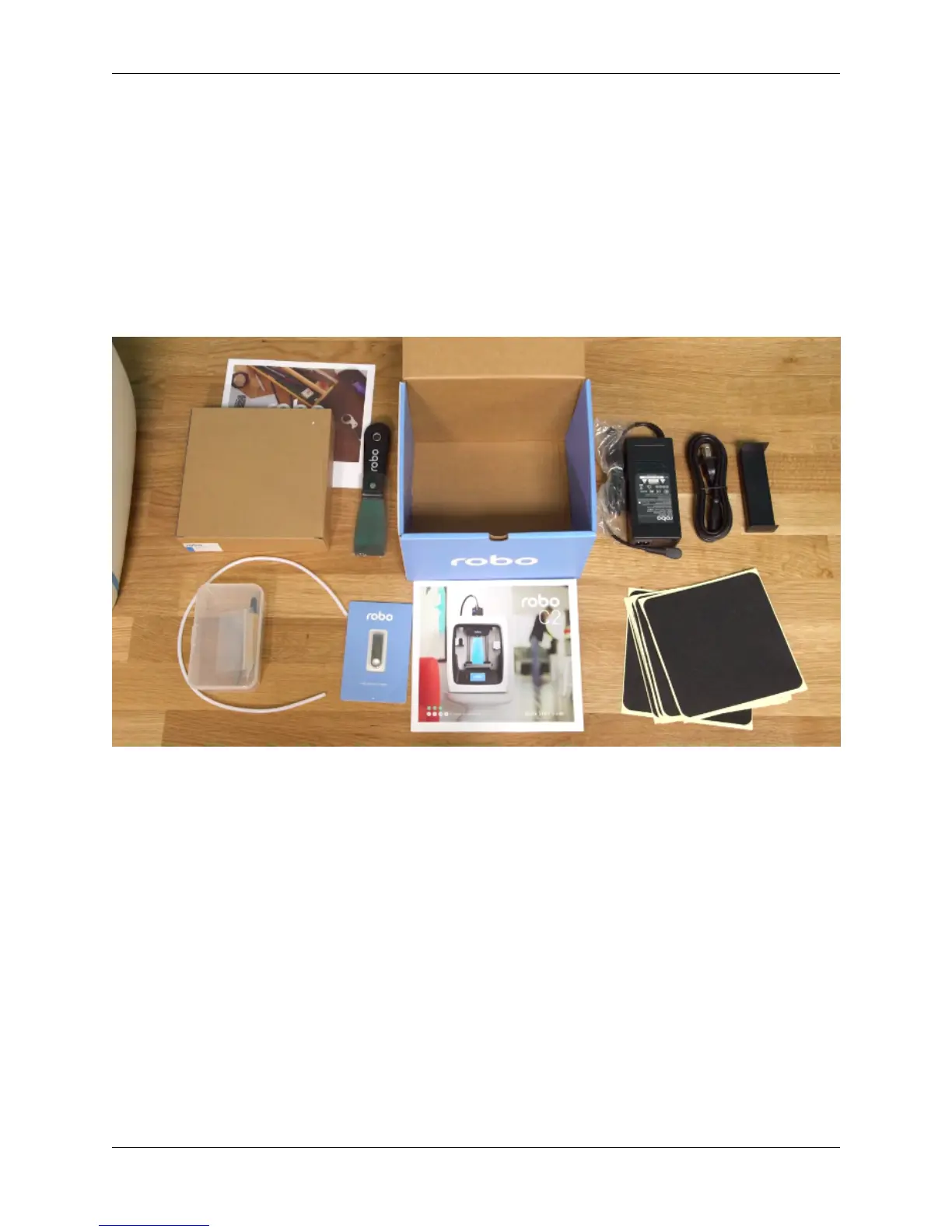
4. Robo stickers to place EVERYWHERE.
5. 19V power supply
6. Filament Guide Tube
7. 2 filament spool arms
8. Toolbox with the hotend cover, 2 allen wrenches, lubricant, and stylus.
9. Robo USB drive
10. 300g Robo light blue filament
11. Spatula
1.2 Unboxing Robo C2
Now that you’ve received your Robo C2, it’s time to unbox it and get familiar with your printer and accessories.
Your C2 is housed in 3 styrofoam pieces, secured together by a nylon strap. Simply lift the printer from the box using
the strap and set it down.
Unclip the black nylon strap and remove the two halves of the top styrofoam shell.
Finally, using the handholds on the bottom of your C2, lift the printer out of the bottom styrofoam piece.
4 Chapter 1. Getting Started



 To Next Page