C2 User Manual, Release 1.0.0
Printer -The print screen is the default screen when printing. This will show you file printing, extruder temperature,
a progress indicator, and pause and cancel buttons while in use.
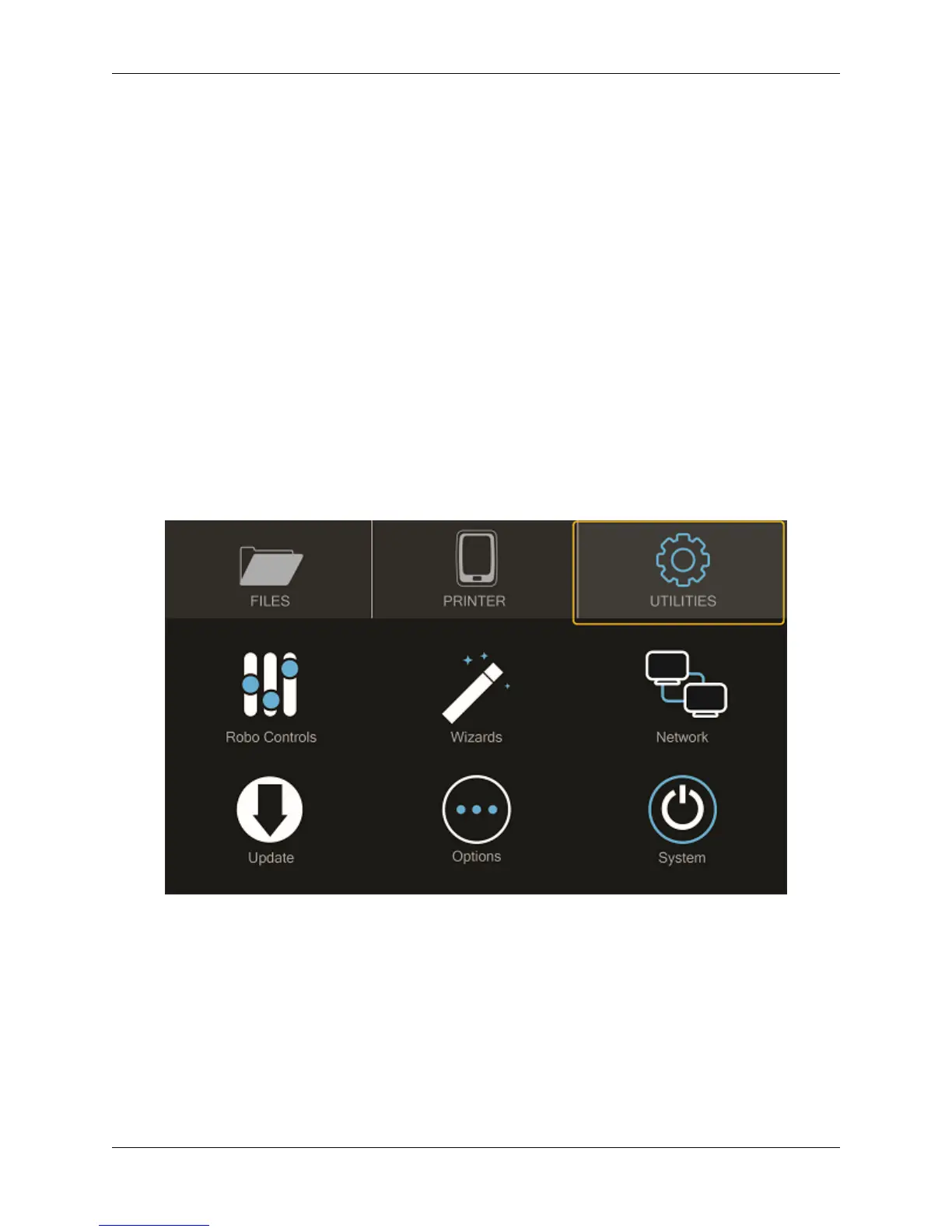
Utilities -The Utilities menu offers a variety of options including: motor control, temperature control, z-offset wizard,
network settings, and a way to update your printer
2.2 Setting the Z offset
Here we will calibrate Robo C2 by setting the Z-Offset and making sure your first layer is applied correctly. We will
be covering three ways of zeroing in on your Offset. The first is the Z-Offset Wizard found in Utilities> Wizards;
the second is the Fine Tune Wizard - also under Utilities> Wizards; the final is manually adjusting your Offset in the
EEPROM manager.
What is “Z-Offset”? Simply, its the distance between your nozzle and your print bed when the print bed is at home
(bottom of printer), which is technically known as a Home Offset. This offset can change by not seating your print
bed correctly or a shifting hotend.
2.2.1 Z-Offset Wizard
From the home screen select “Utilities”
Then select “Wizards”
16 Chapter 2. Operation



 To Next Page