C2 User Manual, Release 1.0.0
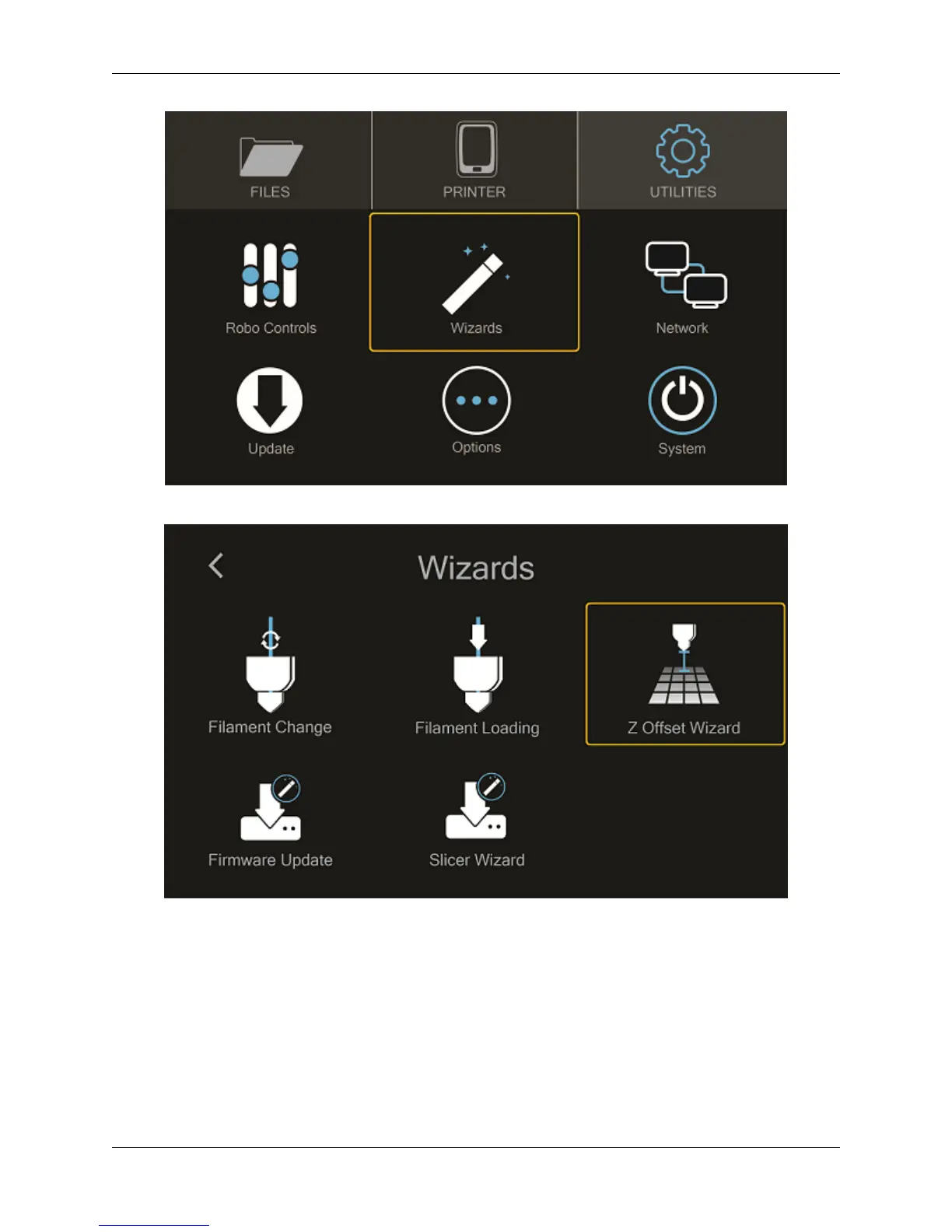
Next select “Z-Offset Wizard”
Your printer will now home itself and get in position to set your offset
Follow the directions on the screen using your calibration card that came with your printer or a standard piece paper.
Press on the ‘Up’ arrow to raise the bed up toward the nozzle of the printer. Slide the calibration card in between the
nozzle and bed and continue pressing the ‘Up” button until you feel slight resistance on the calibration card between
the Nozzle and the print bed. Note: You still want to be able to slide the calibration card back and forth but with
enough resistance that it is touching both the bed and the nozzle.
Select ‘Finished”. Your printer will calculate your Z-Offset and then press ‘Finished’ to complete setting your Z-
2.2. Setting the Z offset 17



 To Next Page