C2 User Manual, Release 1.0.0
A skirt is a line printed around the model, but is not fused to the model directly. The skirt acts as a
priming line to help make sure the material is flowing out of the nozzle properly before beginning to print
the model.
cura-for-robo-desktop/images/skirt.png
5.4 Connecting a Printer via Wifi
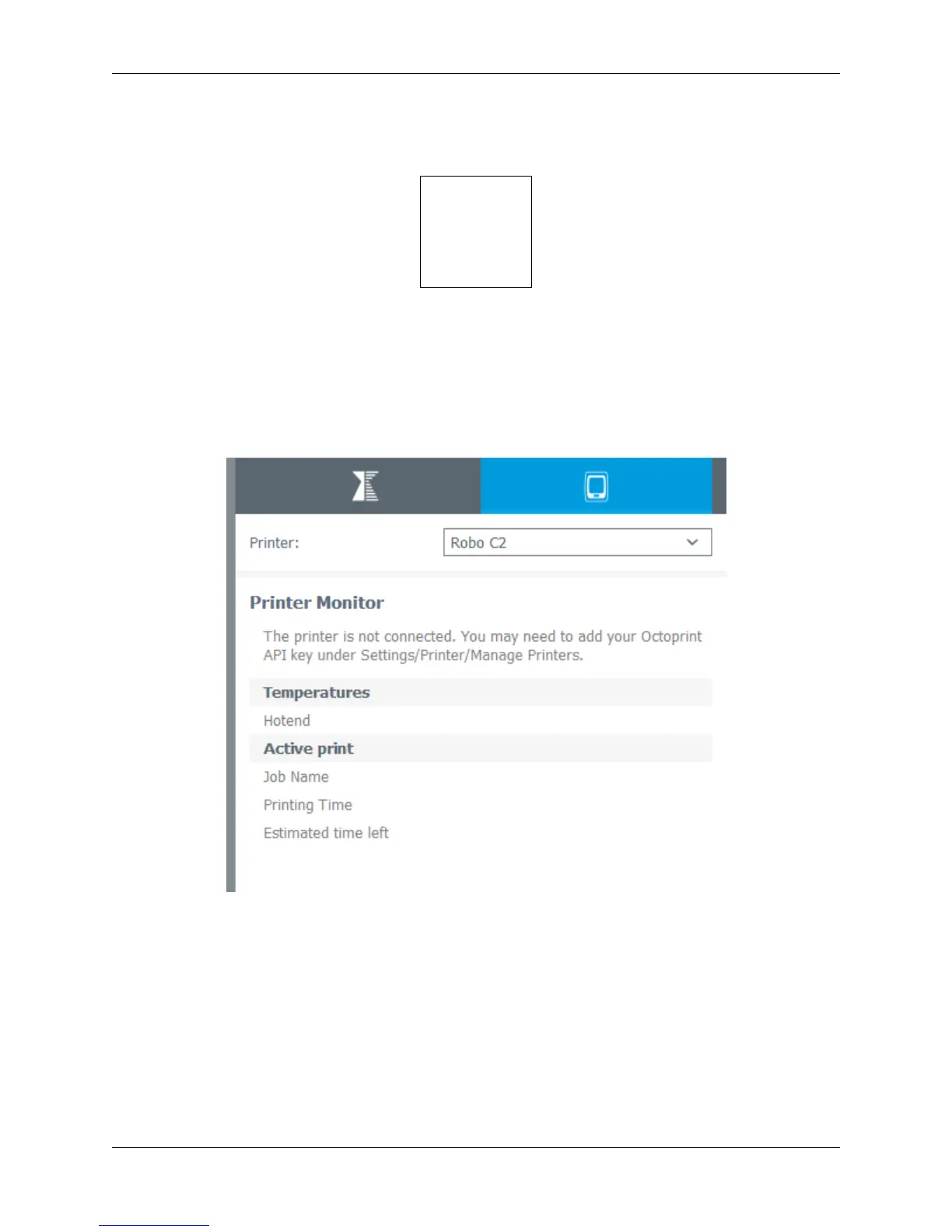
There is a way to connect Robo C2 directly to Cura for Robo enabling you to print right from within the
software. Take these steps to connect your printer;
1. Click on the Robo C2 icon in the top right of the interface.
2. Under the ‘Printer’ dropdown menu, select ‘Manage Printers’.
5.4. Connecting a Printer via Wifi 75



 To Next Page