C2 User Manual, Release 1.0.0
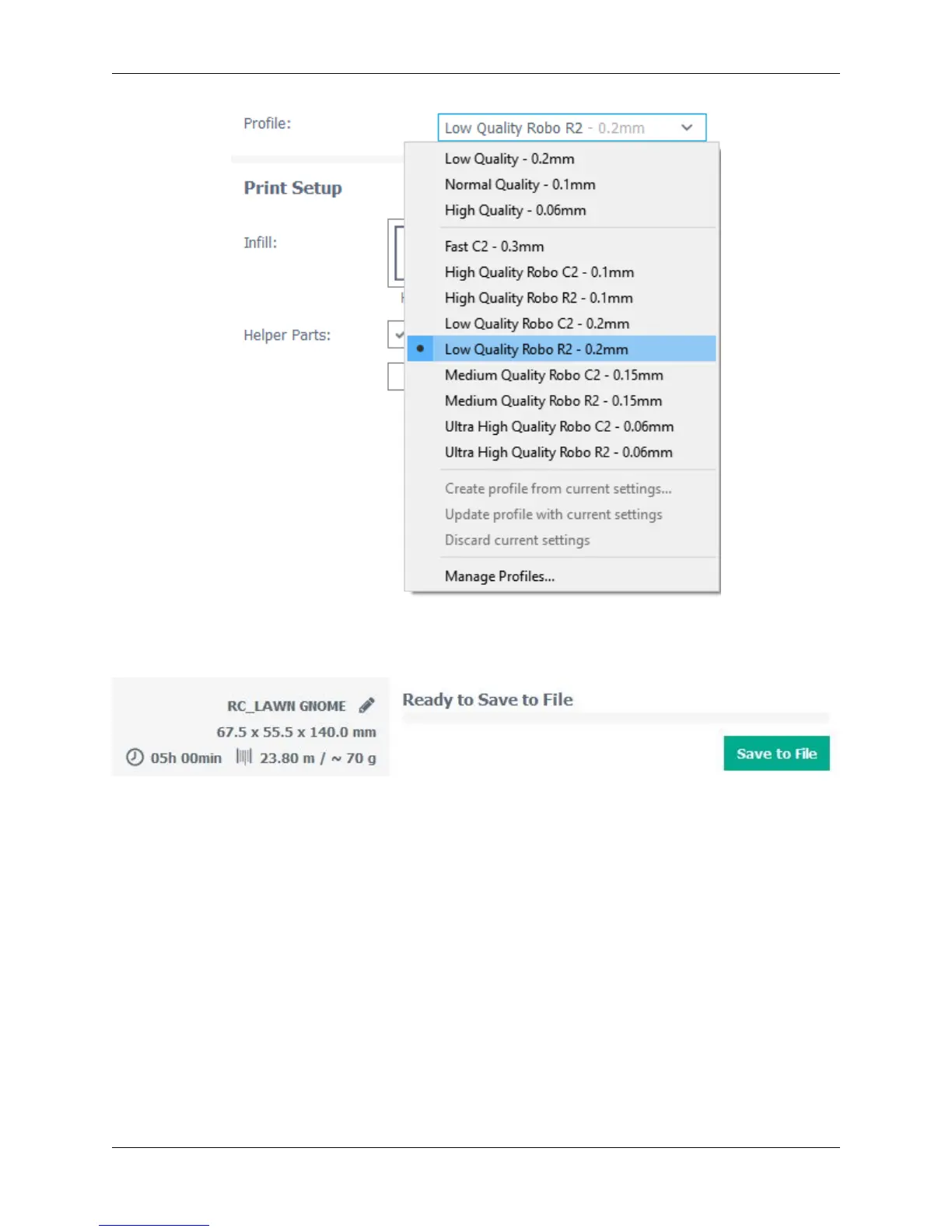
• Below the Pofile settings, you will find the simple recommended print settings. Here you can change infill
density, as well as using print build plate adhesion for better adherance on your first layer, and support structure
for generating scaffolding to support overhangs and bridges.
5.2 Configure and View the Model
Configuring the Model
To further configure your model for printing after you have loaded it onto the build platform, click on the model so it
becomes highlighted.
1. Move
• You can move your model around the build platform with the Move tool. Either by the click-and-drag method,
clicking the arrows projecting from the model, or entering values in the fields provided.
62 Chapter 5. Cura for Robo Desktop



 To Next Page