C2 User Manual, Release 1.0.0
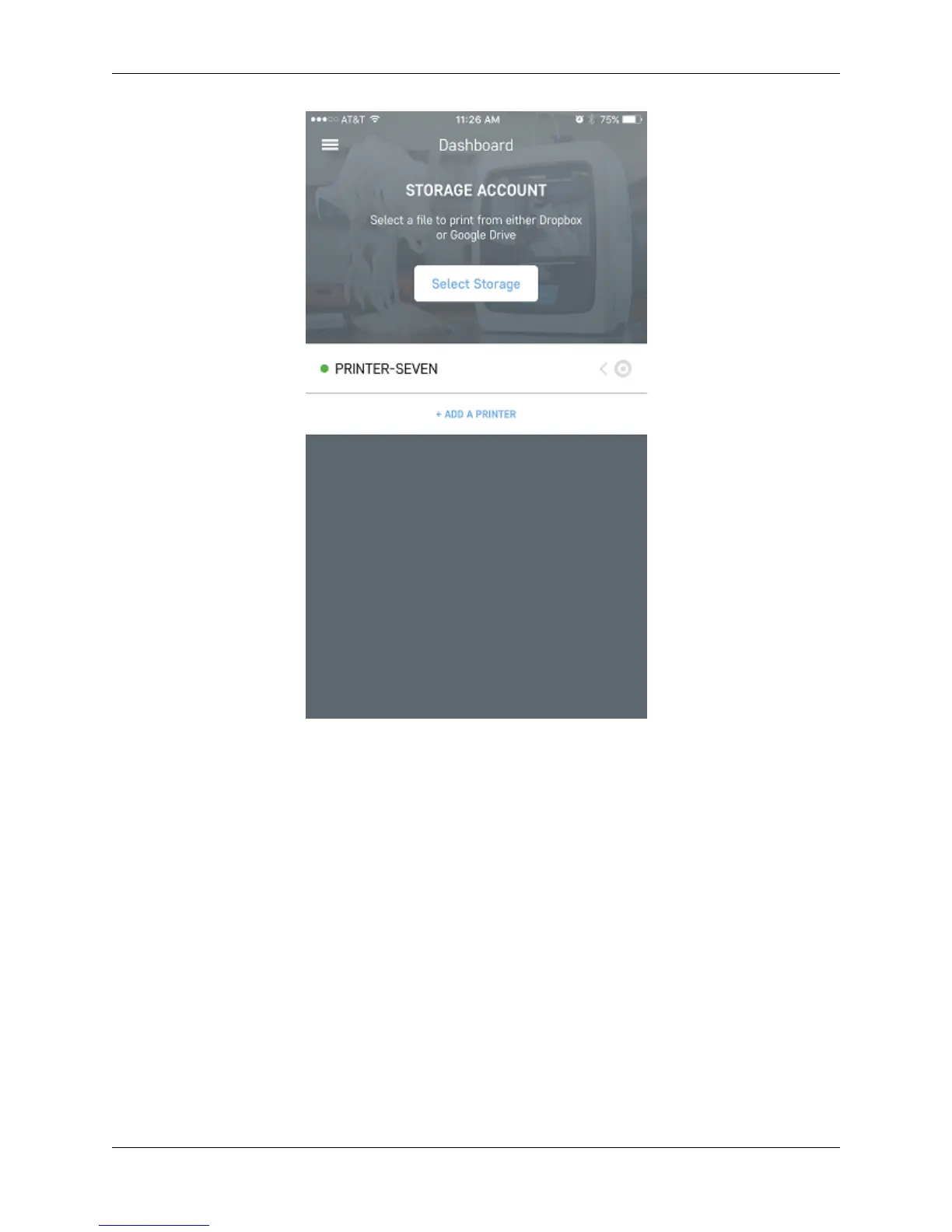
Congratulations, you have now added your printer to remotely monitor it from the Robo app..
7.4 Linking Cloud Storage
Within the Robo app, the ability to link cloud storage makes it easy to access your files from anywhere, without the
need for a computer.
From the dashboard view, click on the menu tab in the upper left hand side of the screen. This will open up a menu
list. From here, click on ‘Your Settings’ menu item.
106 Chapter 7. Robo App for iOS



 To Next Page