C2 User Manual, Release 1.0.0
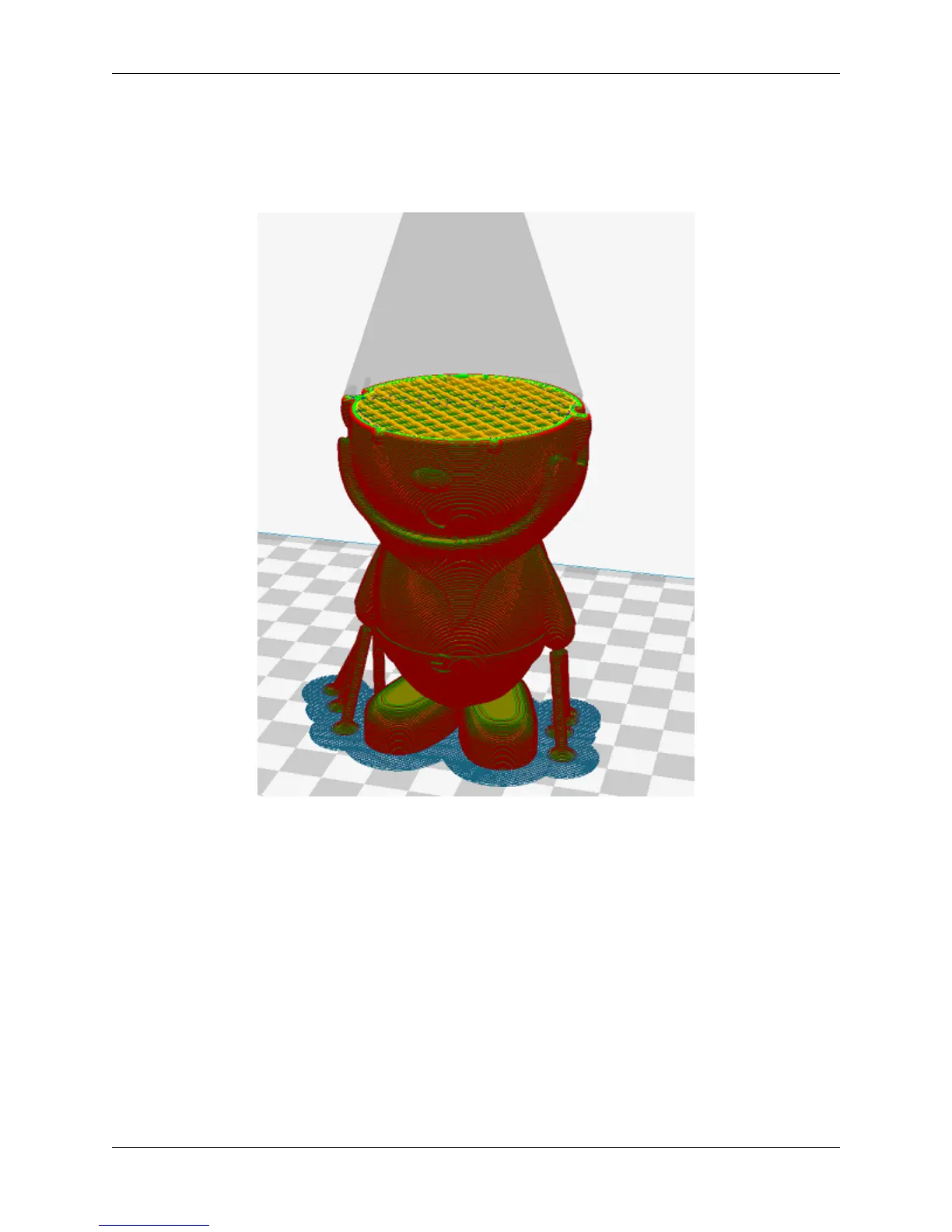
• Use the slider to look through your layers one by one and see how your model will be built.
• You can also input a layer number to jump directly to the specified layer of your model.
• Note: Every time a setting is changed, the view has to be completely reloaded with the new settings in layer
view.
5.3 Settings
Settings profiles are provided to you as defaults, but depending on the specific model or personal preference, you can
modify your settings by clicking on ‘Custom’ under Print Setup on the left hand side of the main window. Below are
what different settings that may be changed.
Quality
1. Layer Height
The layer height of your model will ultimately determine how detailed your print will visibly look. Layer
height refers to the thickness of a single printed layer. The smaller the layer height, the more detailed your
model will look, but will take longer to print. The larger the layer height, the less detailed your model
will look, but will take less time to complete compared to lower layer heights.
5.3. Settings 65



 To Next Page