C2 User Manual, Release 1.0.0
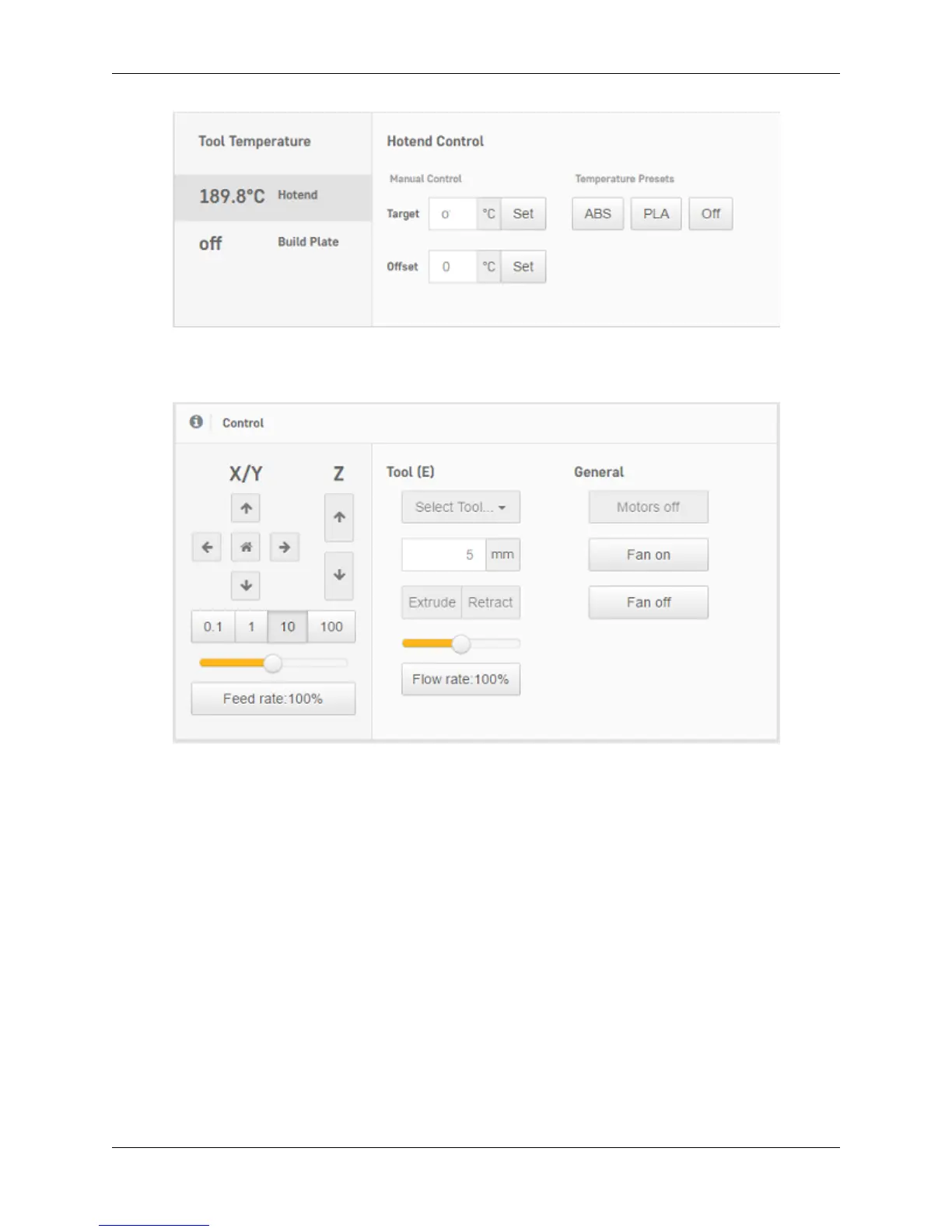
2. Under the ‘Control’ section of the interface, you can move your motors and extrude filament. Use the arrows
and the distance to move ijn the desired location. Remember to heat up your nozzle before using the ‘extrude’
and ‘retract’ buttons.
6.6 View on-board camera + timelapse (Robo R2 only)
1. Viewing your print with the camera
• Under the ‘Webcam’ section of the web dashboard you will see a live stream of the inside of your Robo R2.
Here you can monitor not only your current print project, but also if the printer is clear of any print on the print
platform, and if it is ready to start another print.
86 Chapter 6. Robo Web Dashboard



 To Next Page