C2 User Manual, Release 1.0.0
7.1 Overview
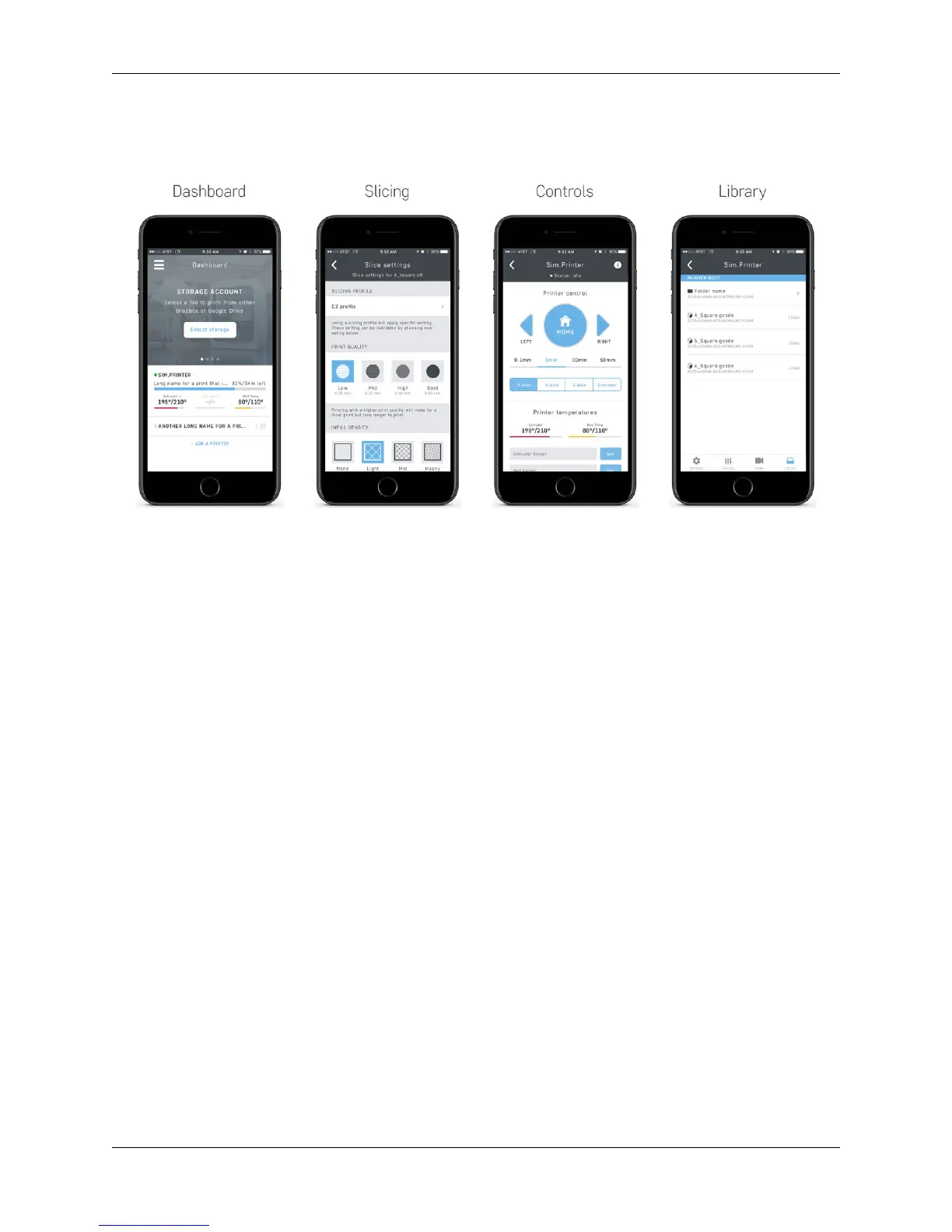
• Connect to your local Robo C2 or Robo R2 3d printer
• Slice models directly on Robo C2 or Robo R2
• Monitor progress via the dashboard
• View your creation via Robo R2’s integrated camera
• Remotely control your Robo C2 and Robo R2 via your iPhone or iPad
7.2 Logging In
The first time opening the Robo app you will be brought to a End User License Agreement. Once you accept, you will
be brought to a login page.
To you the Robo app, you can either link your Facebook account or continue as a guest. Once this is done, you will be
taken you to your dashboard.
100 Chapter 7. Robo App for iOS



 To Next Page