C2 User Manual, Release 1.0.0
• Now reverse these steps to put it all back together
4.4 Shifting Layers/bad print quality
1. Loose Pulleys
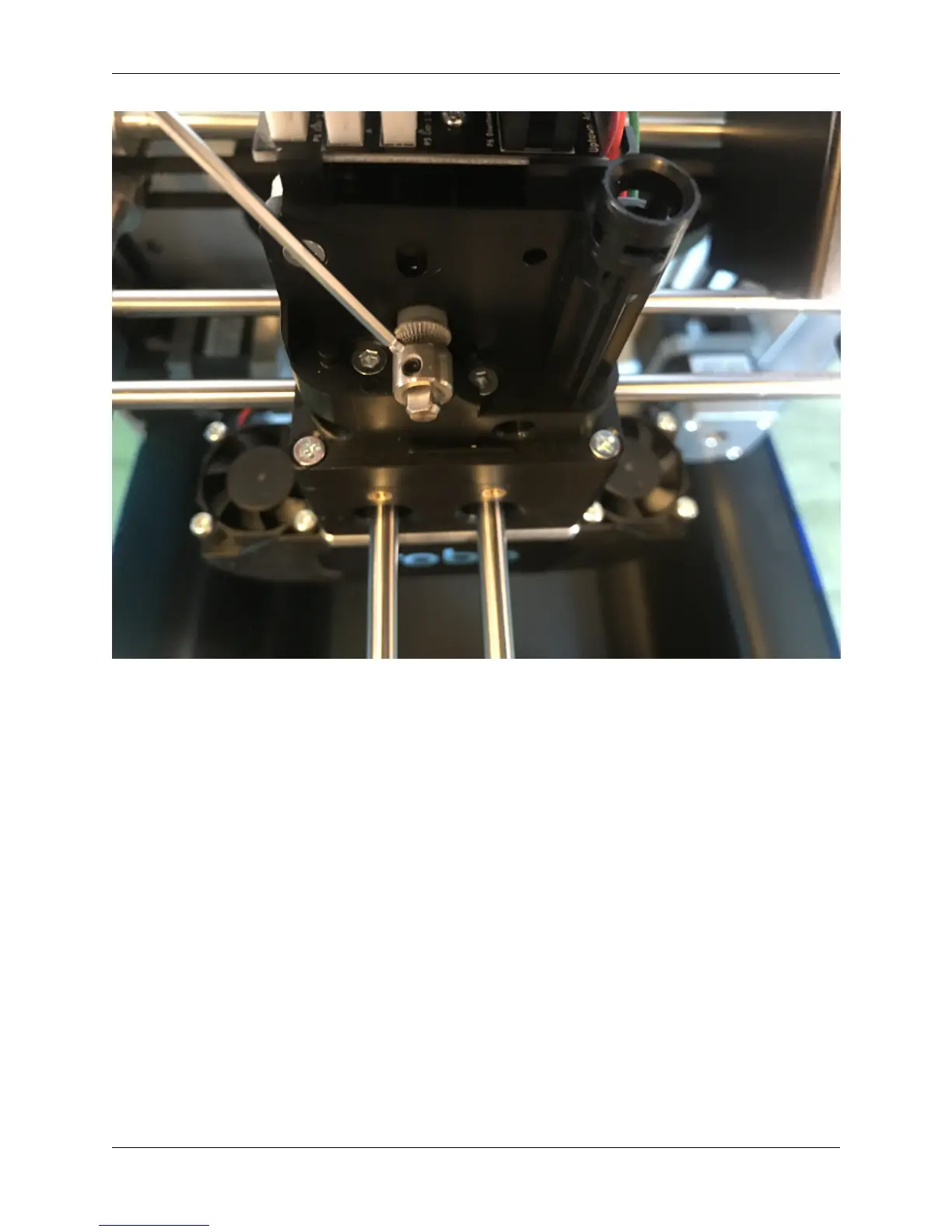
• If the pulleys on the X and Y axis come loose, you may need to tighten down the set screws to hold these in
place.
• Move the Extruder into the center of the printer, and find the set screws on the pulleys in the corners of the axis.
There are a total of 10 pulleys that you must check (2-3 in each corner), and each has 2 set screws to make sure
to tighten down.
40 Chapter 4. Troubleshooting



 To Next Page