C2 User Manual, Release 1.0.0
2. Scale
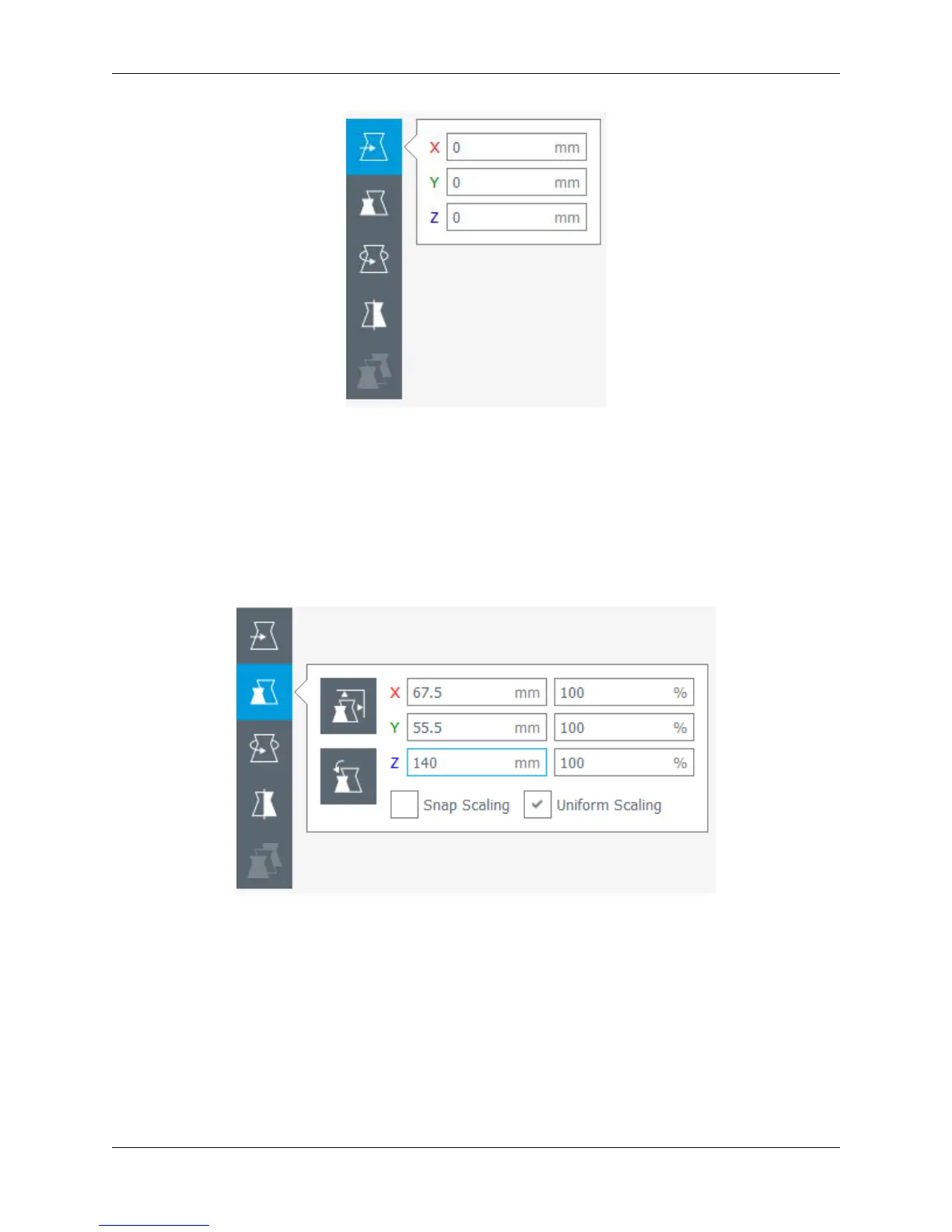
• Selecting the Scale tool will allow you to scale the model in 3 different ways;
• Dragging the handles located on the model itself will scale the model in whichever way the handle is oriented
• Entering the size desired into the number field scales the model into an exact dimension desired
• Selecting a percentage to scale will allow you to scale the model by a certain percentage based on its original
dimensions
• Note; if you want your model to come out uniform, select the ‘Uniform Scaling’ check box when scaling
3. Rotate
• Selecting the rotate tool will bring up different ways to rotate your model
• You will notice colored rings around your model for different axis. Click and drag one of these rings to rotate
in that direction
• Also shown is the ‘Reset’ and ‘Lay Flat’ buttons to orient you model in a way that best suites you
5.2. Configure and View the Model 63



 To Next Page