C2 User Manual, Release 1.0.0
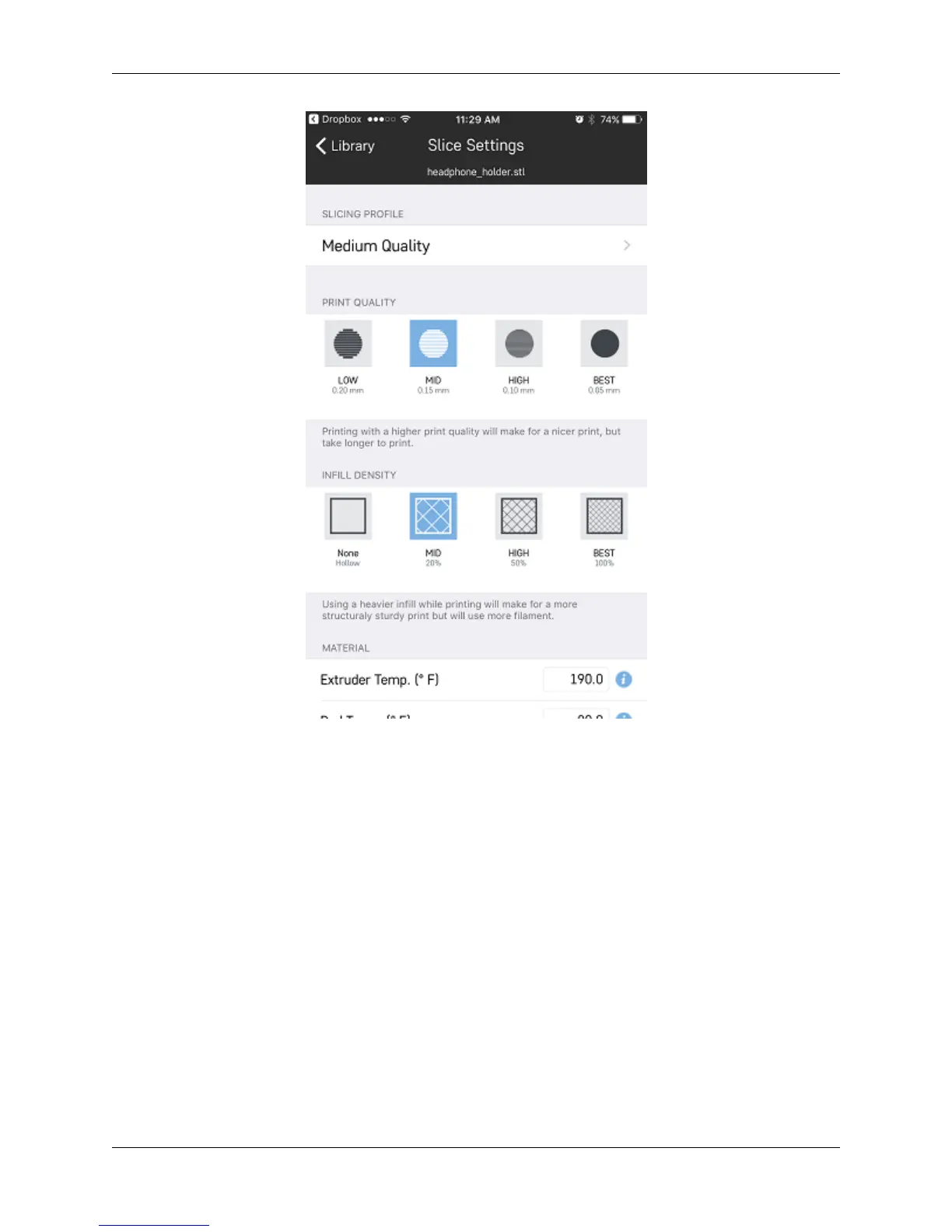
2. On this slicing wizard screen, you have the choice to change your layer height, infill percentage, temperatures,
and printing with supports and rafts.
3. Once you have selected your settings, click the ‘Send to Printer’ button at the bottom of the page and choose
which printer your would like to send it to.
7.7. Slicing a model 113



 To Next Page