C2 User Manual, Release 1.0.0
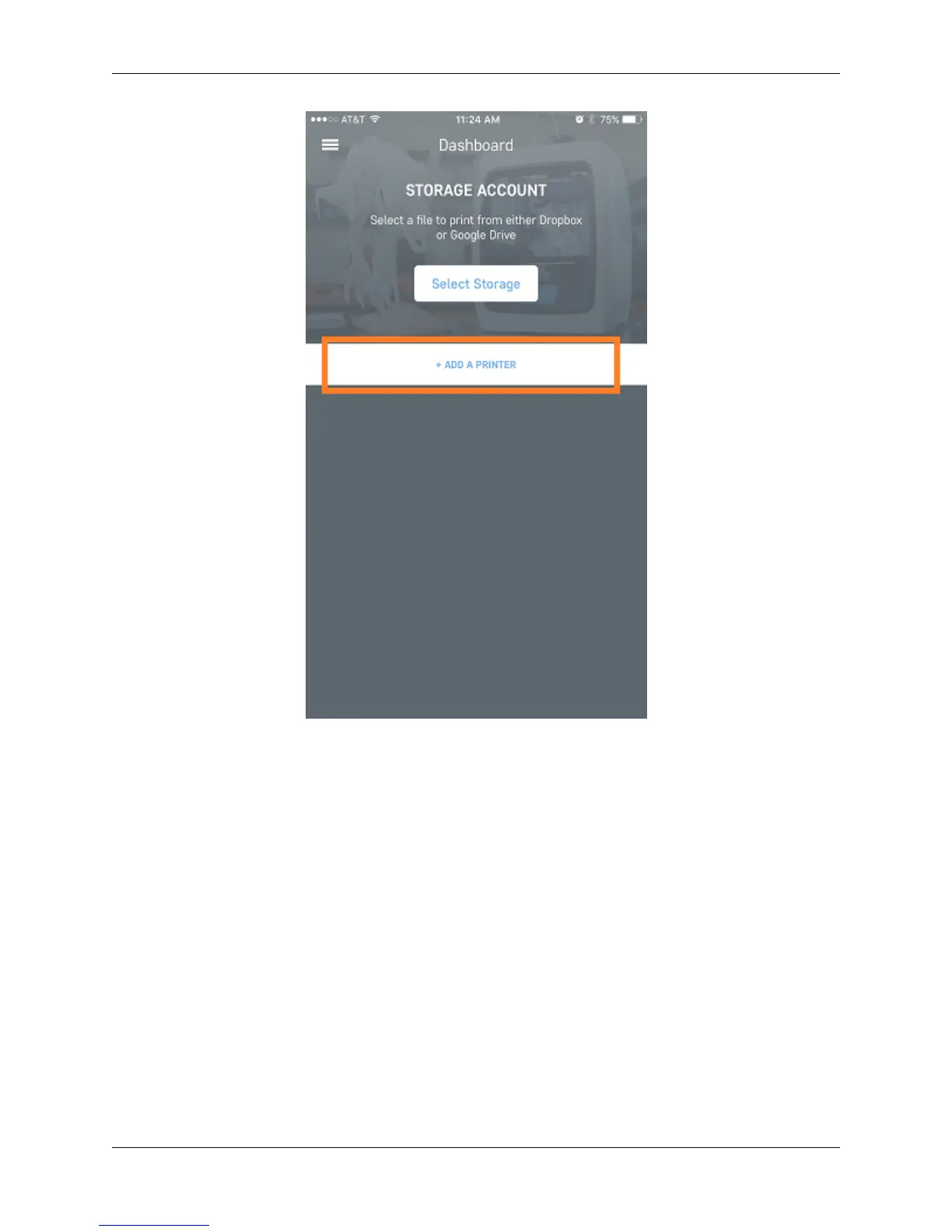
Next, follow the steps to add a printer. Scan for local printers that are the network by pressing the scan button. This
will bring up a pop up that will show all of the available printers on the local network. Choose your printer and it will
add it to the line automatically. You can name the printer as well in the provided text box.
102 Chapter 7. Robo App for iOS



 To Next Page