C2 User Manual, Release 1.0.0
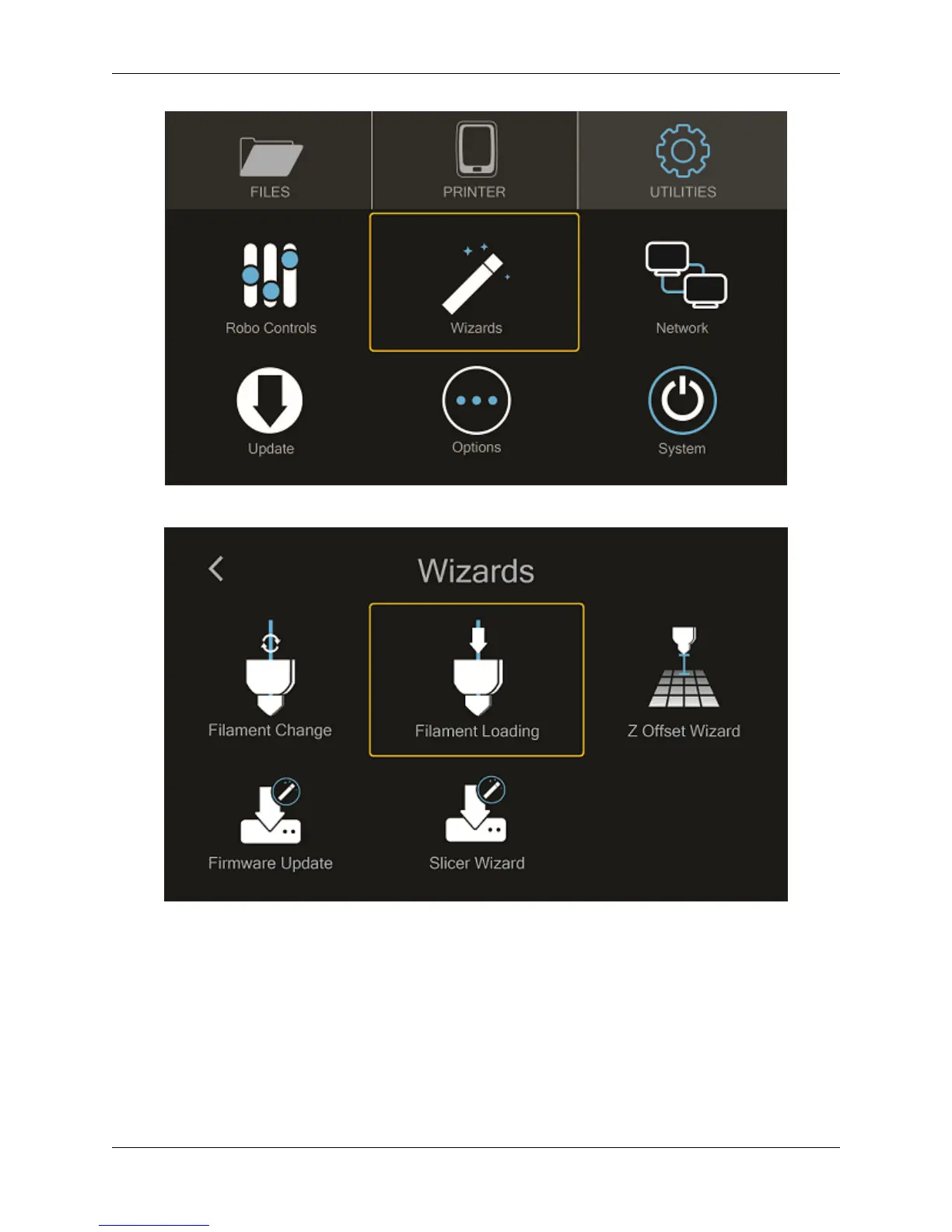
Finally, select FILAMENT LOADING WIZARD.
Follow the on-screen prompts:
• Heating up the printer
• Ensuring you’ve cut off the tip of the filament
• Now, look for filament to exit the nozzle
• Press NEXT, and
• Press FINISHED
1.8. Loading filament 11



 To Next Page