C2 User Manual, Release 1.0.0
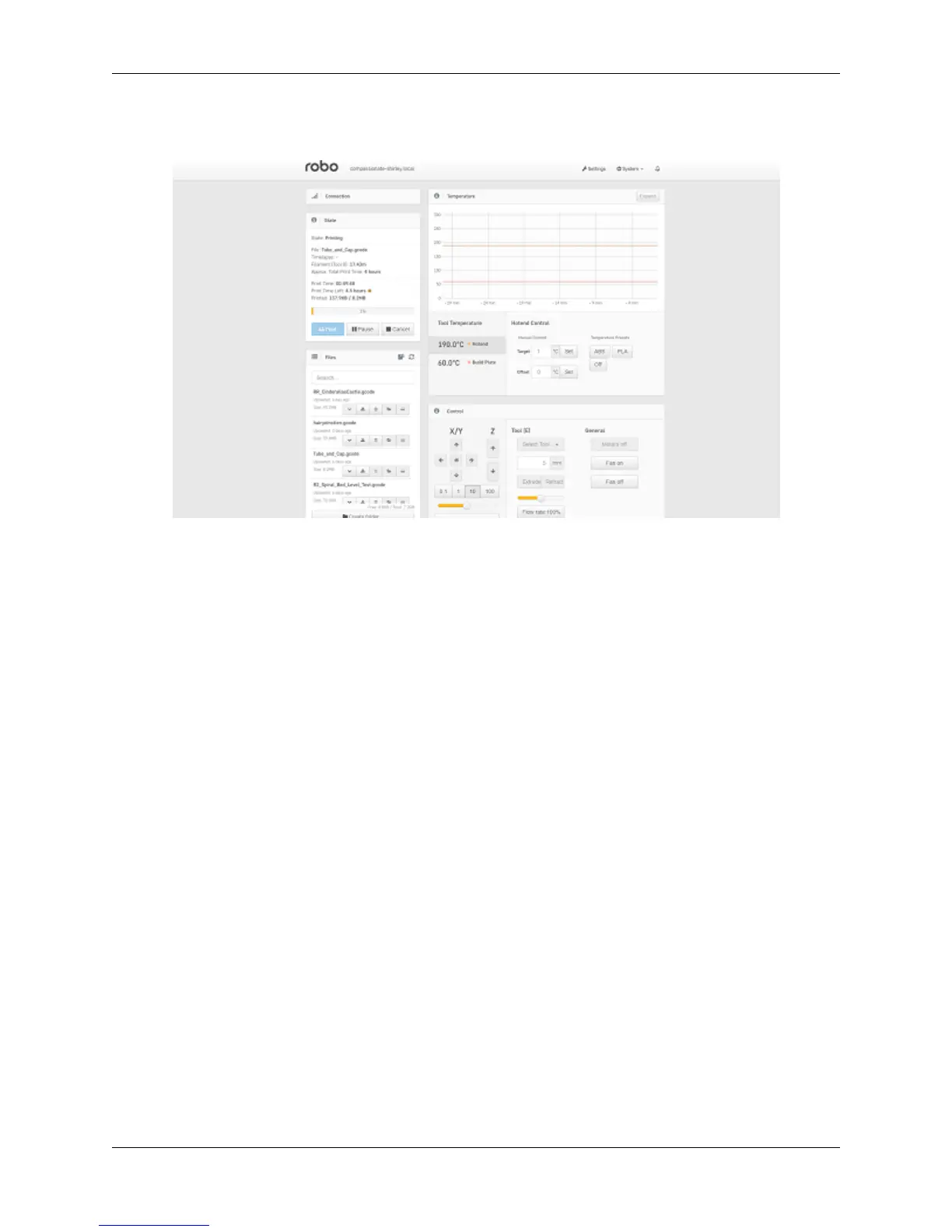
3. Next, open up your browser (such as Google Chrome, or Mozilla Firefox), and enter that same IP address into
the address bar. You should see a dashboard come up that looks like this:
4. Click on the ‘Settings’ button in the top right of the interface.
5. A settings window will pop up. On the left hand side, scroll down and select the item labeled ‘Plugin Manager’
under ‘Octoprint’ about half way down the list.
6. You will now see a list of plugins that are installed onto your printer. From here click the next page over until
you see the line item labeled ‘Filament Sensor’. Click on the small black button to the right of the item (circled
in green in the picture below).
4.10. Filament Runout Sensor Error 51



 To Next Page