C2 User Manual, Release 1.0.0
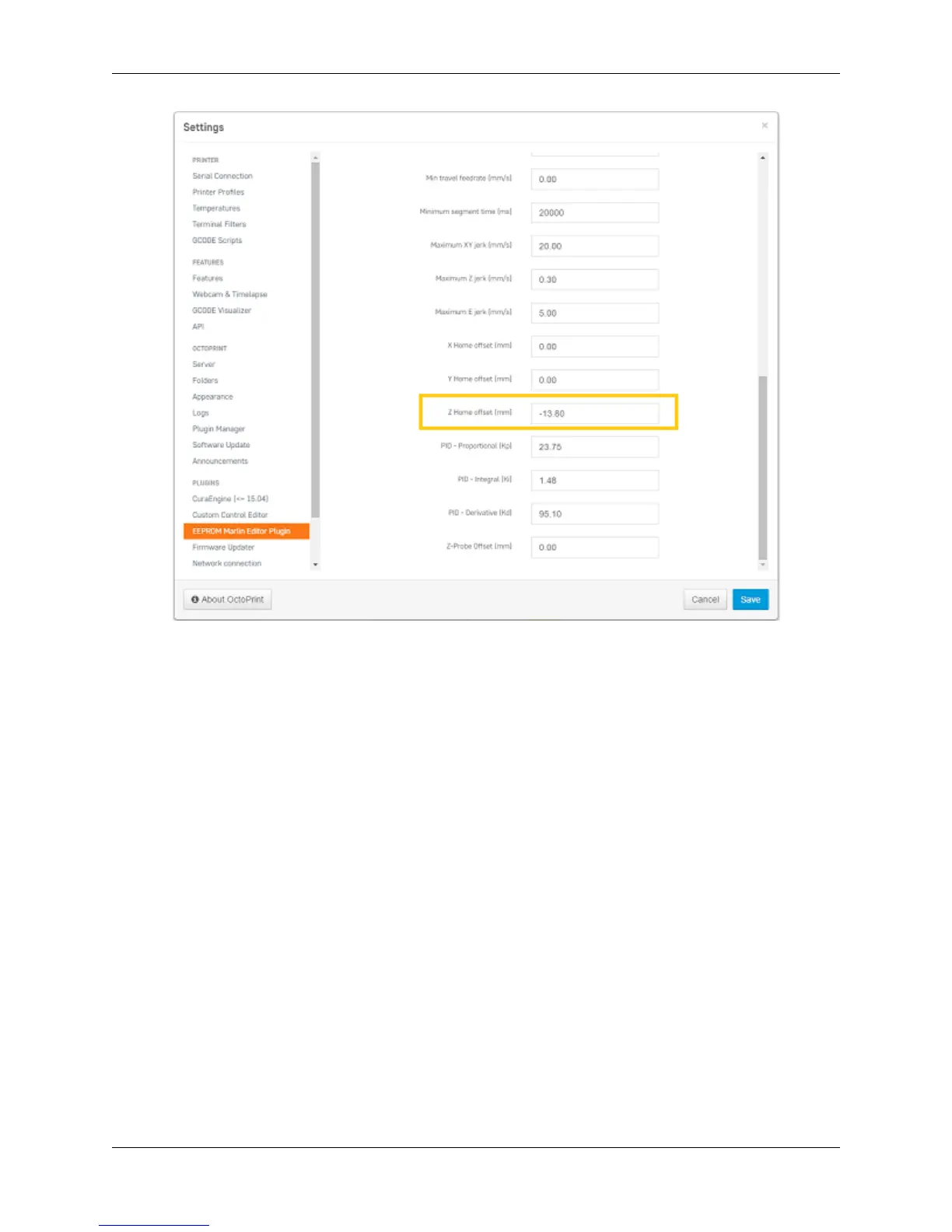
From here, you will need to scroll back to the top of the page and select ‘Save to EEprom’ to correctly save the value to
your printer. Once that is saved, you can then click save on the bottom right of your window. Remember: if you don’t
click the ‘Save to EEprom’ button, your new z-offset will NOT be saved and will use the old value entered previously.
94 Chapter 6. Robo Web Dashboard



 To Next Page