23
Reference Manual
00809-0100-4803, Rev GA
Configuration
September 2017
Configuration
Custom liquid (Density [T])
The Custom Liquid option should be used for fluids not in the database such as proprietary fluids.
1. Expand the Liquid category.
2. Expand the Custom Liquid category.
3. Select the Custom Liquid (Density [T]) option.
4. Enter the Nominal and Operating Temperature Range. Engineering Assistant will use this range to
identify the temperature values at which the fluid properties are required.
5. Select Next to continue the flow configuration on the Fluid Properties tab.
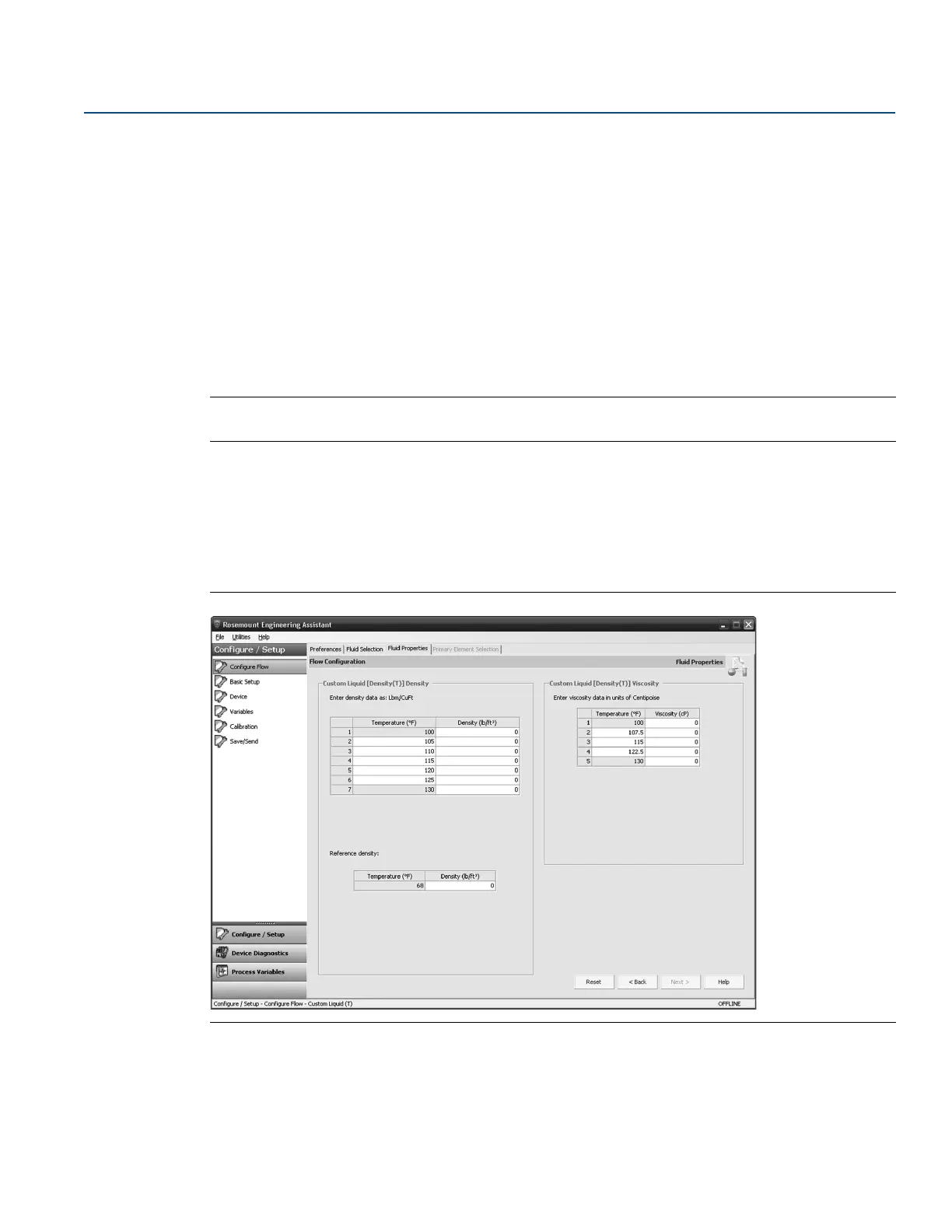
6. Enter the Custom Liquid Density at the given temperatures.
Note
All temperature values may be edited except the minimum and maximum temperatures.
7. Enter the Reference Density at the reference temperature.
8. Enter the Custom Liquid Viscosity at the given temperatures. Note that all temperature values may be
edited except the minimum and maximum temperatures. The minimum and maximum values were
set on the Fluid Selection tab.
9. Proceed with the steps in “Primary element selection” on page 13.
Figure 2-17. Custom Liquid (Density [T]) Fluid Properties Tab











 To Next Page