TS4240 User’s Guide 94
Connecting the Cash Register to a PC
Connecting the Cash Register to a PC
Using the RegisterLink software, you can connect your cash register to a
PC to download the information.
Note
You must use RegisterLink version N or later.
RegisterLink must be installed and the PC restarted if it was the first time
you installed RegisterLink. For specific information about using the
RegisterLink software, see the RegisterLink manual.
Before you start, you must have the null modem serial cable that came with
your cash register.
To set up the cash register to connect to a PC
1 Connect the cash register to the PC using a null modem serial cable.
2 Open the RegisterLink software on your PC.
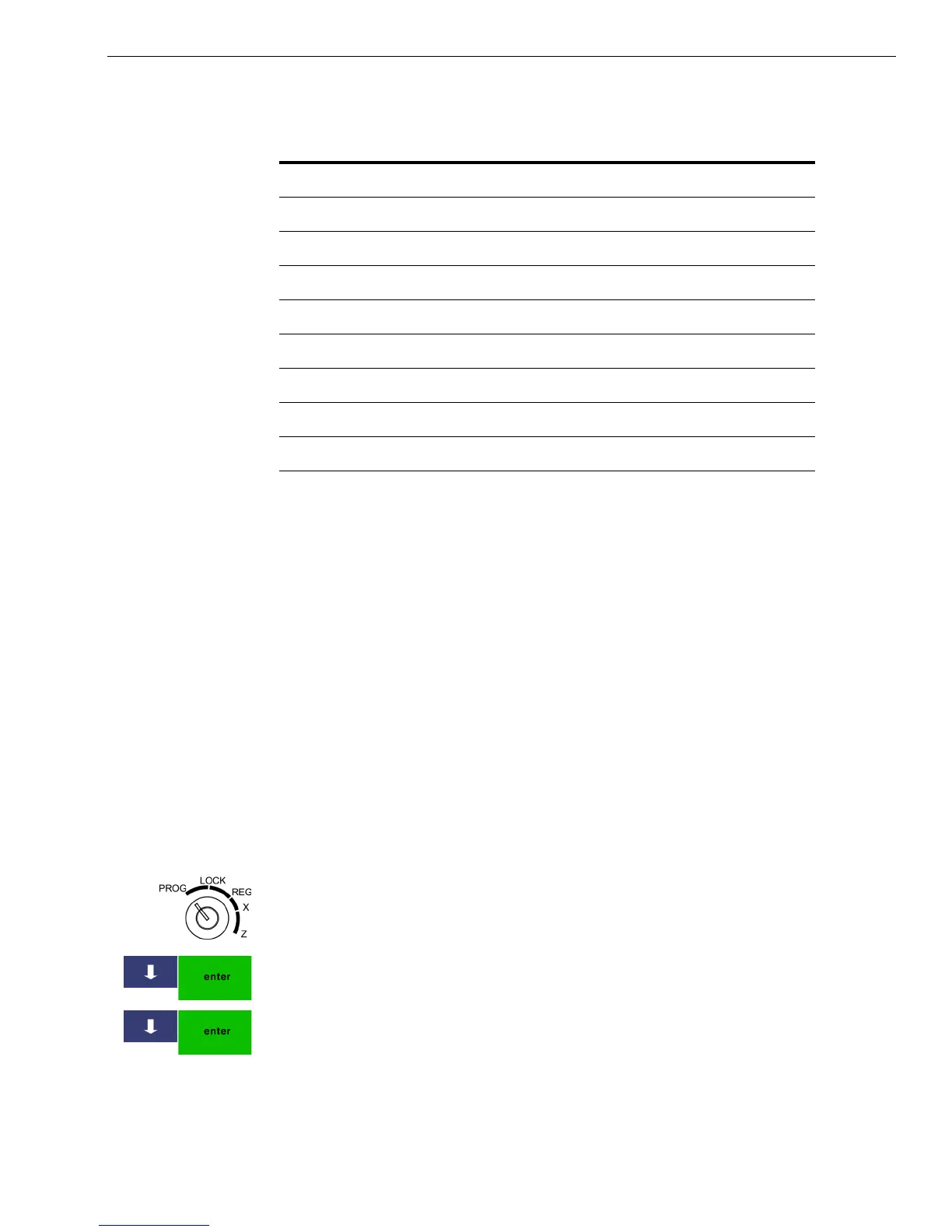
3 Put the MGR key in the Mode key slot and turn it to the PROG position.
If prompted, enter the Manager passcode and press Enter.
4 On the cash register, press the Arrow Down key to select 407 -- Others.
Press Enter.
5 Press the Arrow Down key to select 423 -- PC Communication. Press
Enter.
6 Go to the RegisterLink software on the PC and follow the directions in
RegisterLink.
Table 8 Serial port pin description
Pin No I/O Signal name Abbr.
1NC
2 IN Receive data RXD
3 OUT Transmit data TXD
4NC
5 N/A Ground Signal GND
6NC
7NC
8NC
9 +5V OUT Power supply for BCR VCC



 To Next Page