Chapter 2 Getting Started
7 TS4240 User’s Guide
To set the time
406 -- OptionsSystem Configuration Options
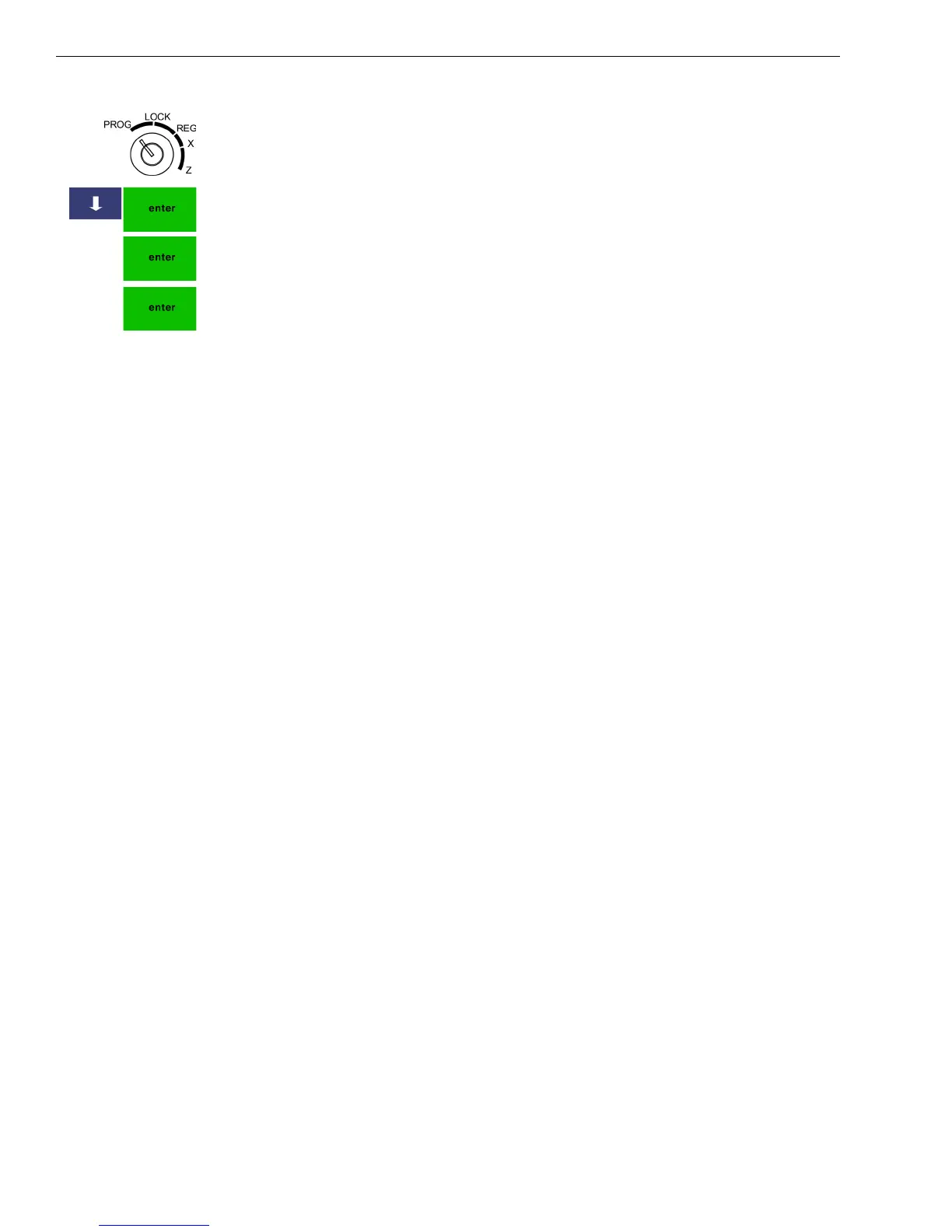
1 Put the MGR key in the Mode key slot and turn it to the PROG
position.
2 Press the Arrow Down key to select 406 -- Options. Press Enter.
3 Select System Configuration Settings. Press Enter.
4 Select Time Adjust. Press Enter. Press the Enter key again.
5 At the prompt, select AM or PM.
6 At the prompt, use the Number keys to enter the date.
For example, to enter 9:43 am, press 0943. Press Enter.
Programming the Sales Tax
Now you need to select and program the sales tax for your area. You can
use 1 of 2 tax types in the US:
• Straight tax: The sales amount is multiplied by a flat percentage rate
such as 5%. For example, on a $1.00 item, $.05 is added for tax.
• Table tax: The tax is charged based on a tax table you obtain from your
local or state government tax office.
Straight tax is the easiest and most commonly used tax rate. Most states
and areas use straight tax. To find out which sales tax type and percentage
rate to use, contact your local government office.
You can also set the maximum non-taxable amount (the highest amount at
which taxes are exempt) or tax limit.
This section explains setting simple sales tax in the United States, the
default. See Selecting the Tax System on page 72 for other sales tax
systems.



 To Next Page