Chapter 7 Ringing up Sales and Using Training Mode
69 TS4240 User’s Guide
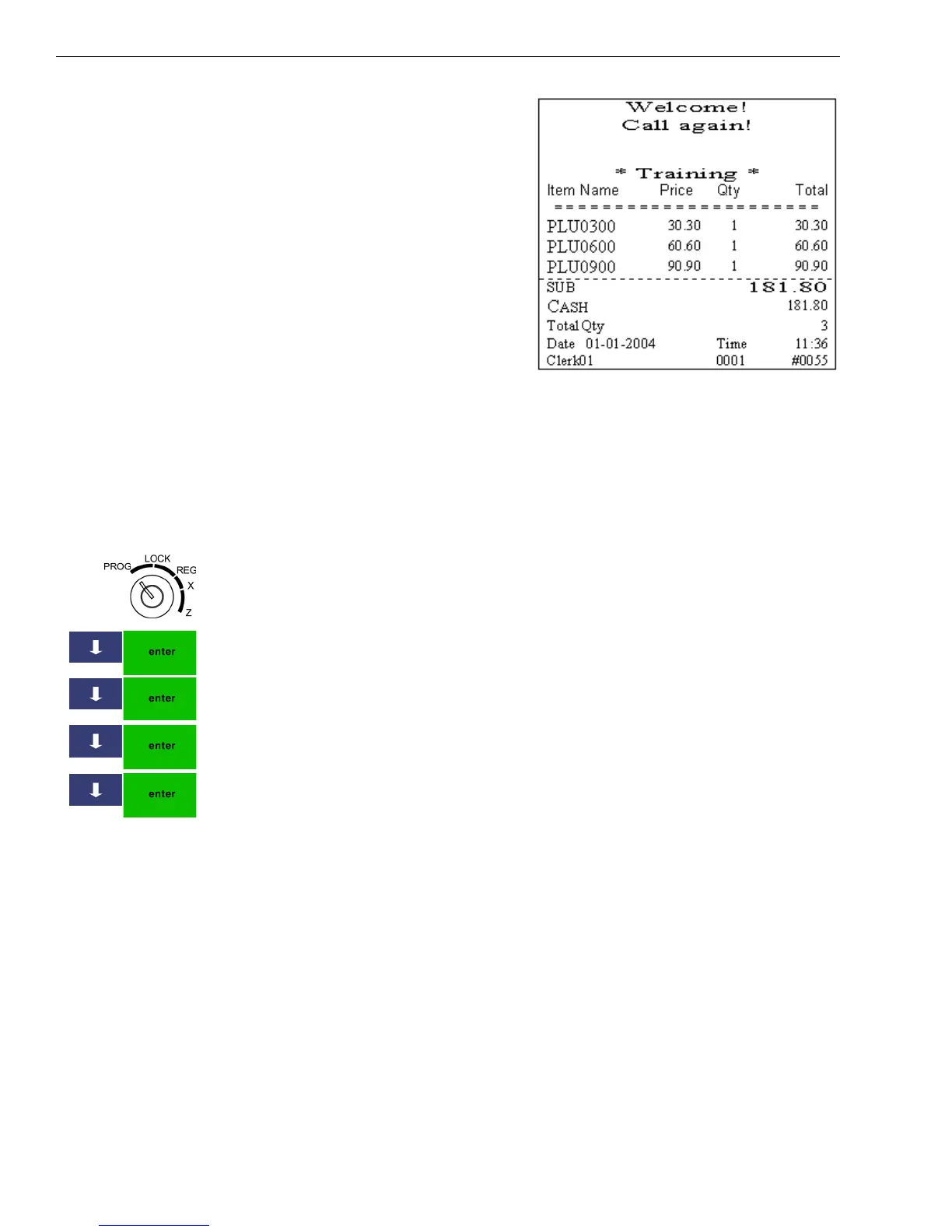
When the cash register is in
Training mode, the word
*Training* appears in the upper
left of the touch screen. The word
*Training* prints in the header
above transaction information on
the receipt.
When you stop Training mode, the
transaction numbers continue from
the last number printed before you
entered Training mode.
Setting the Training Passcode
Entering training mode requires a passcode. By default, the passcode is
123456. You can change the passcode at any time.
To set the training mode passcode
406 -- OptionsSystem Configuration SettingPasscode
SettingTraining Mode Pass Code
1 Put the MGR key in the Mode key slot and turn it to the PROG
position. If prompted, enter the Manager passcode and press Enter.
2 Press the Arrow Down key to select 406 -- Options. Press Enter.
3 Press the Arrow Down key to select System Configuration Settings. Press
Enter.
4 Press the Arrow Down key to select Passcode Setting. Press Enter.
5 Press the Arrow Down key to select Training Mode Pass Code. Press
Enter.
6 Using the Number keys, enter a 6 digit passcode. The passcode cannot
be zeros.
7 When you are done, press Enter.



 To Next Page