TS4240 User’s Guide 122
Voiding a Multiplication of a Department Preset Price
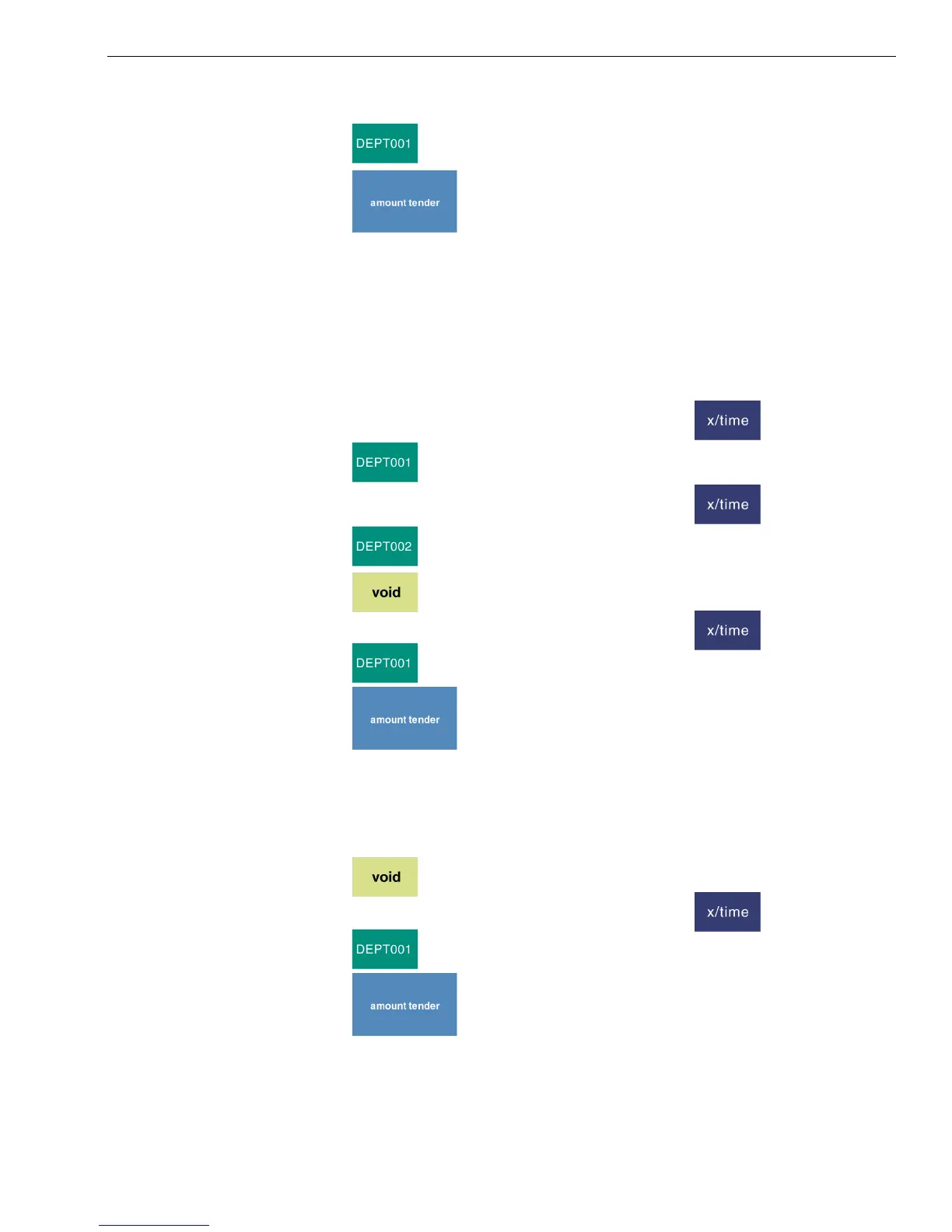
3 Using the Number keys, enter 100.
4 Press .
5 Press .
Voiding a Multiplication of a Department Preset Price
Example 43: Assume Department 1 is programmed for the price of $1.00 and
Department 2 is programmed for the price of $2.00. Ring up Department 1 three
times and Department 2 two times, then void the Department 1 entry rung up
three times.
To void a multiplication of a department preset price
1 Using the Number keys, press 3 and then press .
2 Press .
3 Using the Number keys, press 2 and then press .
4 Press .
5 Press .
6 Using the Number keys, press 3 and then press .
7 Press .
8 Press .
Voiding a Department Multiplication Sale
Example 44: Void a $1.00 item in Department 1 three times.
To void a department multiplication sale
1 Press .
2 Using the Number keys, press 3 and then press .
3 Press .
4 Press .



 To Next Page