TS4240 User’s Guide 24
Setting Alphanumeric Descriptions
The maximum number of characters that can be programmed for each
item description are shown below.
• For programming text messages that appear on the customer display and
the receipt, see Setting Header Messages and Footer Messages on
page 25.
• For programming department keys, see Programming Department Keys
on page 32.
• For programming PLUs, see Programming PLU Descriptions on
page 38.
• For programming Clerk names and numbers, see Setting Clerk Numbers
and Names on page 28.
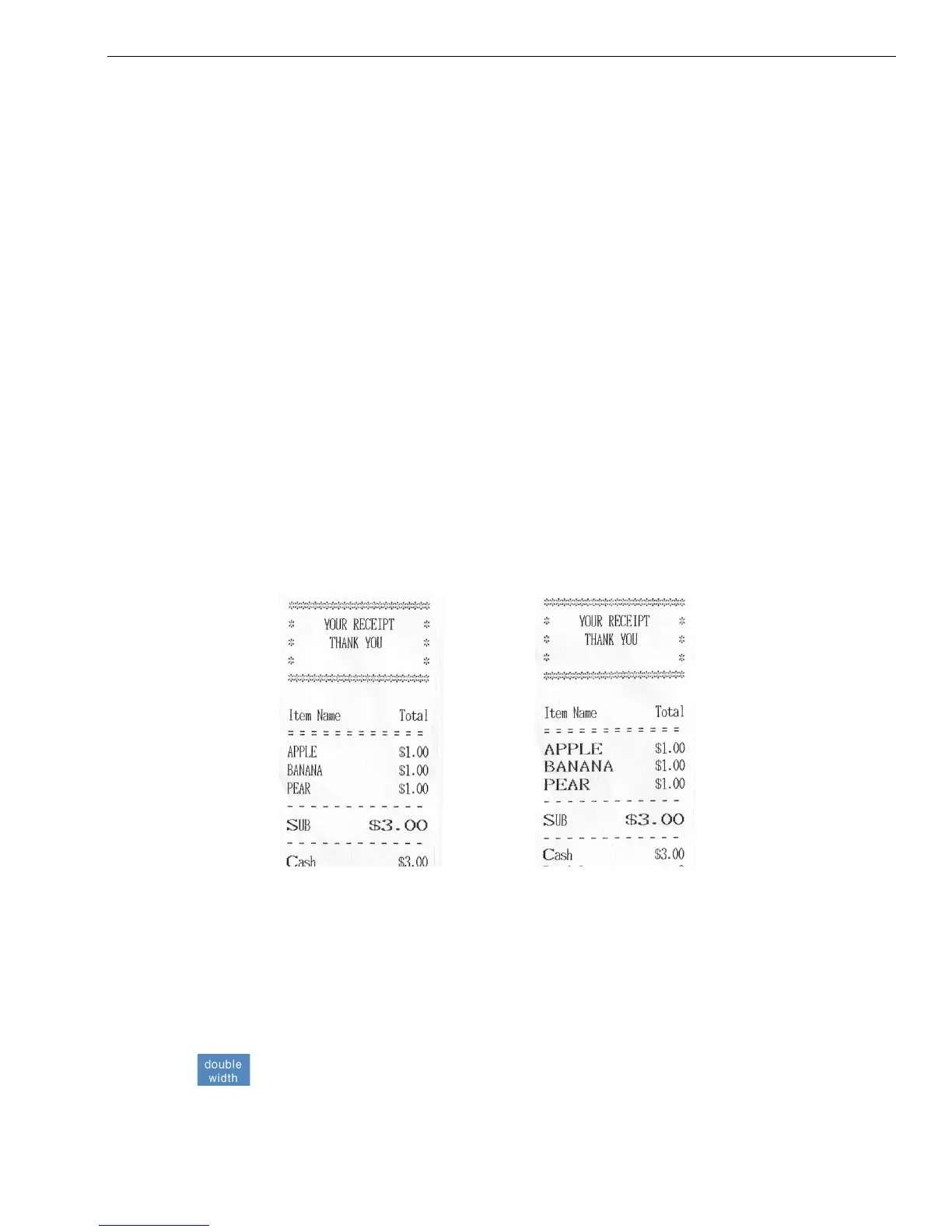
Using Double Wide Characters
For extra emphasis, you can program double wide characters for a specific
character or a line of characters.
If you use double wide characters, the maximum number of characters
you can use is reduced by half.
To make a character print extra wide, press the double width key before
each character as you type in the description. To turn off double width,
press the double width key again.
Department 12 Characters
PLU 12 Characters
Clerk Name 12 Characters
Header and Footer messages 5 Lines (24 characters each)
Normal Size Double Wide
Department 6 Characters
PLU 6 Characters
Clerk Name 6 Characters
Header and Footer messages 5 Lines (12 characters each)



 To Next Page