Chapter 12 Examples
121 TS4240 User’s Guide
Voiding a Department Preset with a Percentage Discount
Example 41: Assume Department 1 is programmed for $1.00, Department 2 is
programmed for $2.00, and Discount #1 is pre-programmed for 10%. Ring up
Department 1 and deduct 10%, ring up Department 2 and deduct 10%, then
void the Department 2 entry with the 10% discount.
Note
If you need to void the first discount entry, you must do so before entering
another item. If not, then you must void the entire transaction and re-enter it.
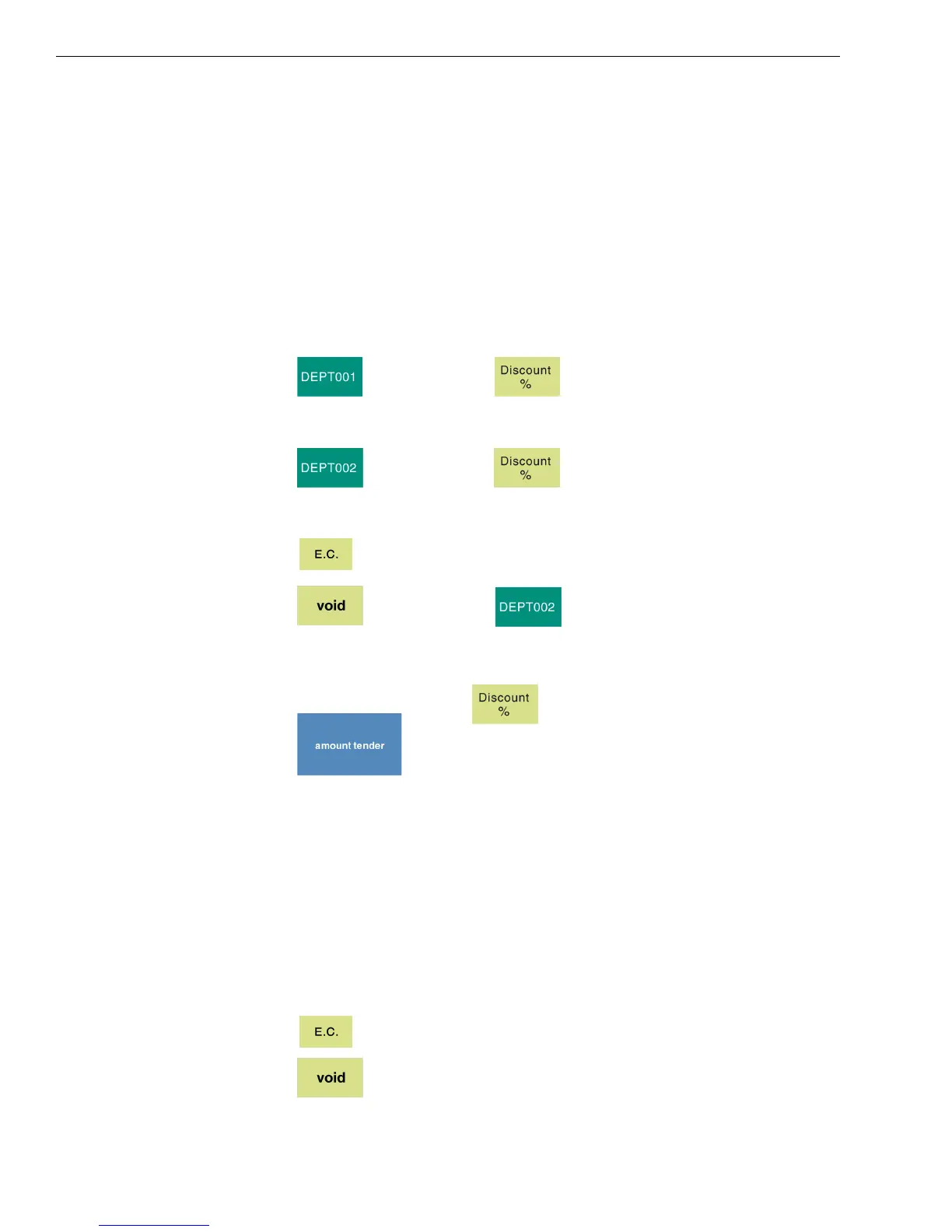
To void a department preset with a percentage discount
1 Press and then press .
2 Select a discount.
3 Press and then press .
4 Select a discount.
5 Press .
6 Press and then press .
Note
If the Percentage Discount Rate is not pre-programmed, type in the
discount rate before pressing .
7 Press .
Voiding a Percentage Sale
Example 42: Void a $1.00 item in Department 1 and void a pre-programmed
Percentage Discount Rate of 10%.
Note
If you need to void a previously entered discount, you must do so before
entering another item. If not, then you must void the entire transaction and
re-enter it.
To void a percentage discount sale
1 Press .
2 Press .


 To Next Page