TS4240 User’s Guide 46
Restaurant Reports
Happy Hour Settings
Happy hour prices are only available if you use PLUs. For each PLU, you
can program a standard price and two additional price levels that are valid
at specific times of day.
Happy hour prices are useful if you have specials on food or drink at
certain times of the day. You can also use this for different prices on the
same items on a lunch menu and a dinner menu.
The time format for happy hour settings defaults to the format the cash
register clock is set to. For example, if you have the cash register clock set
to use AM and PM, then the happy hours times you see are shown as AM
and PM. The prices appear on the header during the time of day they are
set for.
Before you start, you must have PLUs set up. For more information about
setting up PLUs, see Programming PLU Descriptions on page 38.
To set the times for Happy Hour
407 -- Others420 -- Happy Hour Setting
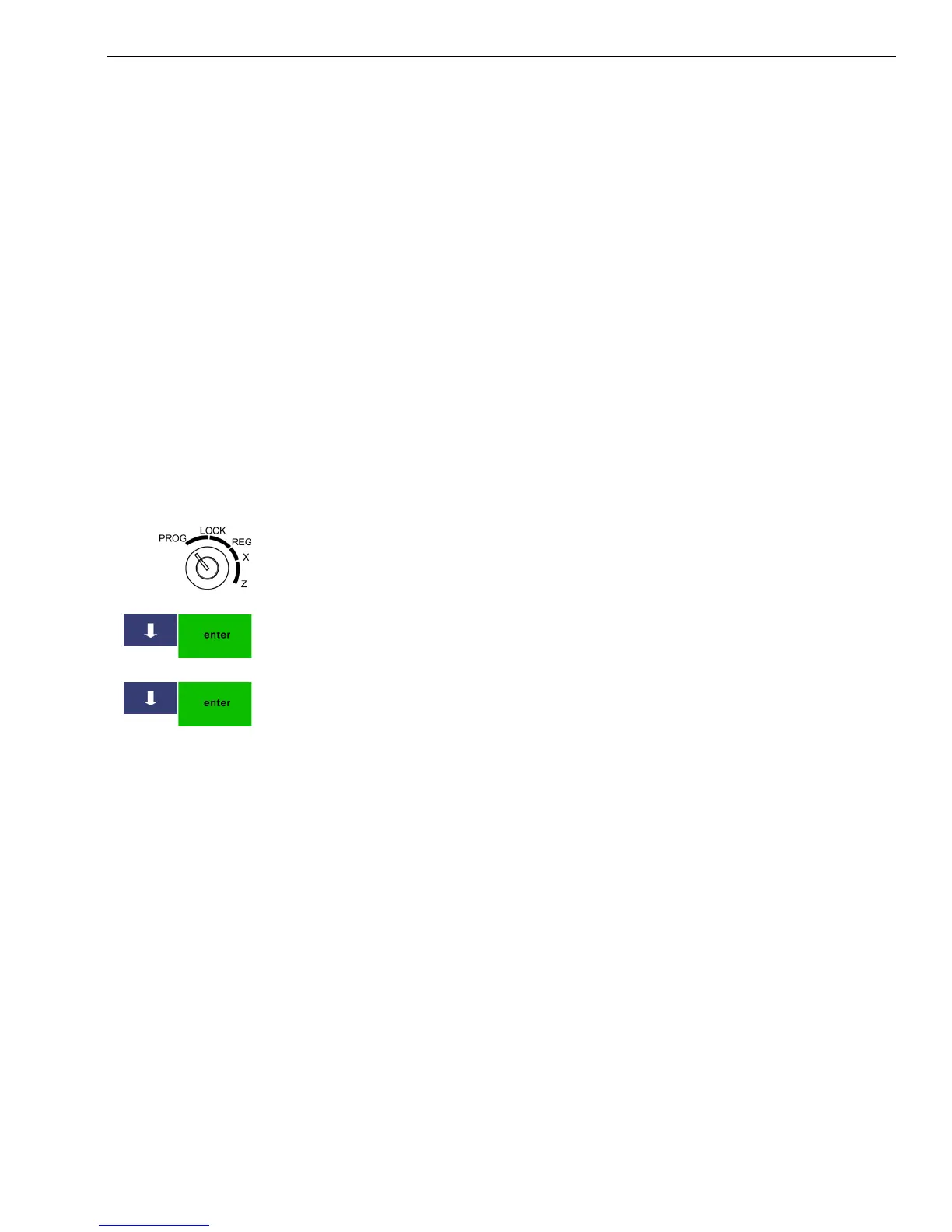
1 Put the MGR key in the Mode key slot and turn it to the PROG position.
If prompted, enter the Manager passcode and press Enter.
2 Press the Arrow Down key to select 407 -- Others. Press Enter.
3 Press the Arrow Down key to select 420 -- Happy Hour Setting. Press
Enter.
4 Press the Arrow Down key to select the first setting time you want to
change. Press Enter.
5 Follow the instructions on the screen for setting each time.
Restaurant Reports
In restaurant mode, you have several restaurant-specific report options
available to you.
X mode
• Table Report
• Active Table Report
Z mode
• Table Report
For specific information about running reports, see Running Reports on
page 81



 To Next Page