Chapter 6 Navigating Your Cash Register Parameters
53 TS4240 User’s Guide
System Options Settings
The System Options menu includes the options listed in this section.
To open the System Options menu
406 -- OptionsSystem Options Setting
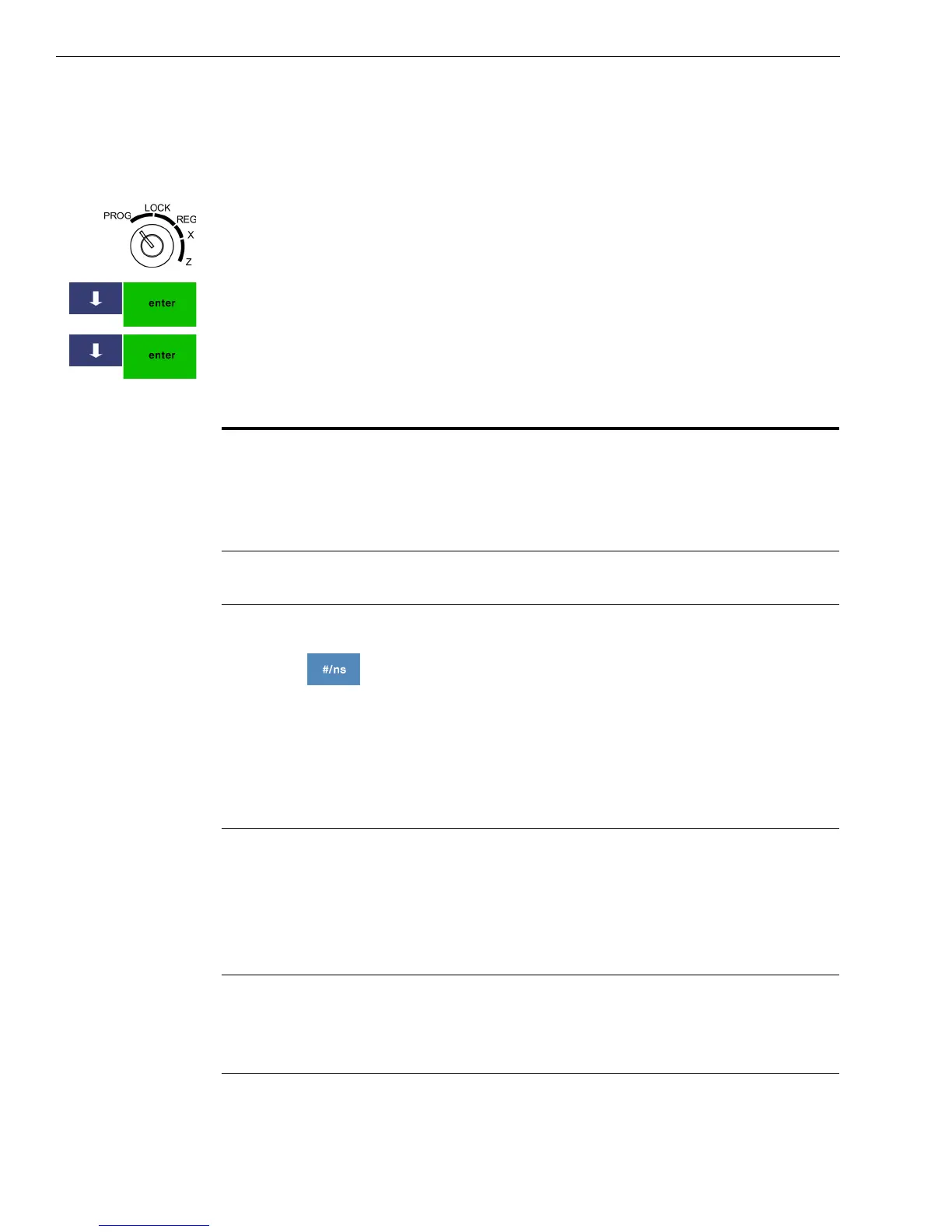
1 Put the MGR key in the Mode key slot and turn it to the PROG
position. If prompted, enter the Manager passcode and press Enter.
2 Press the Arrow Down key to select 406 -- Options. Press Enter.
3 Press the Arrow Down key to select System Options Setting. Press Enter.
These options are available.
Table 6 System options settings
Option Description
Inventory Function
Active
Specifies if you want to use the inventory
function to track the number of items sold
and the remaining items on hand when using
PLUs. For more information, see
Programming PLU Descriptions on page 38.
Zero Price for
Department PLU Sale
Specifies if zero price entry for PLUs and
Departments is allowed.
EJ Features Active Turns the Electronic Journal on or off.
The Electronic Journal can hold 10,000-lines
of transactions in memory. When it is turned
on, the Electronic Journal records in the
internal memory the line-by-line details of
all the transactions and items completed on
the cash register and printed on the printer.
All sales transactions and using the #/NS key
to open the cash drawer are recorded.
Compulsory Declaration Specifies if the clerk must always enter the
amount of money the customer gives the
clerk so the clerk sees the amount of change
to give back to the customer. This can reduce
cash drawer shortages. This setting applies to
all forms of payment.
Reset Receipt # after Z
Rep
Specifies to reset the Consecutive
Transaction number found on each sales
receipt and on most reports after running
each Z report.



 To Next Page