TS4240 User’s Guide 74
Programming Table Tax in the United States
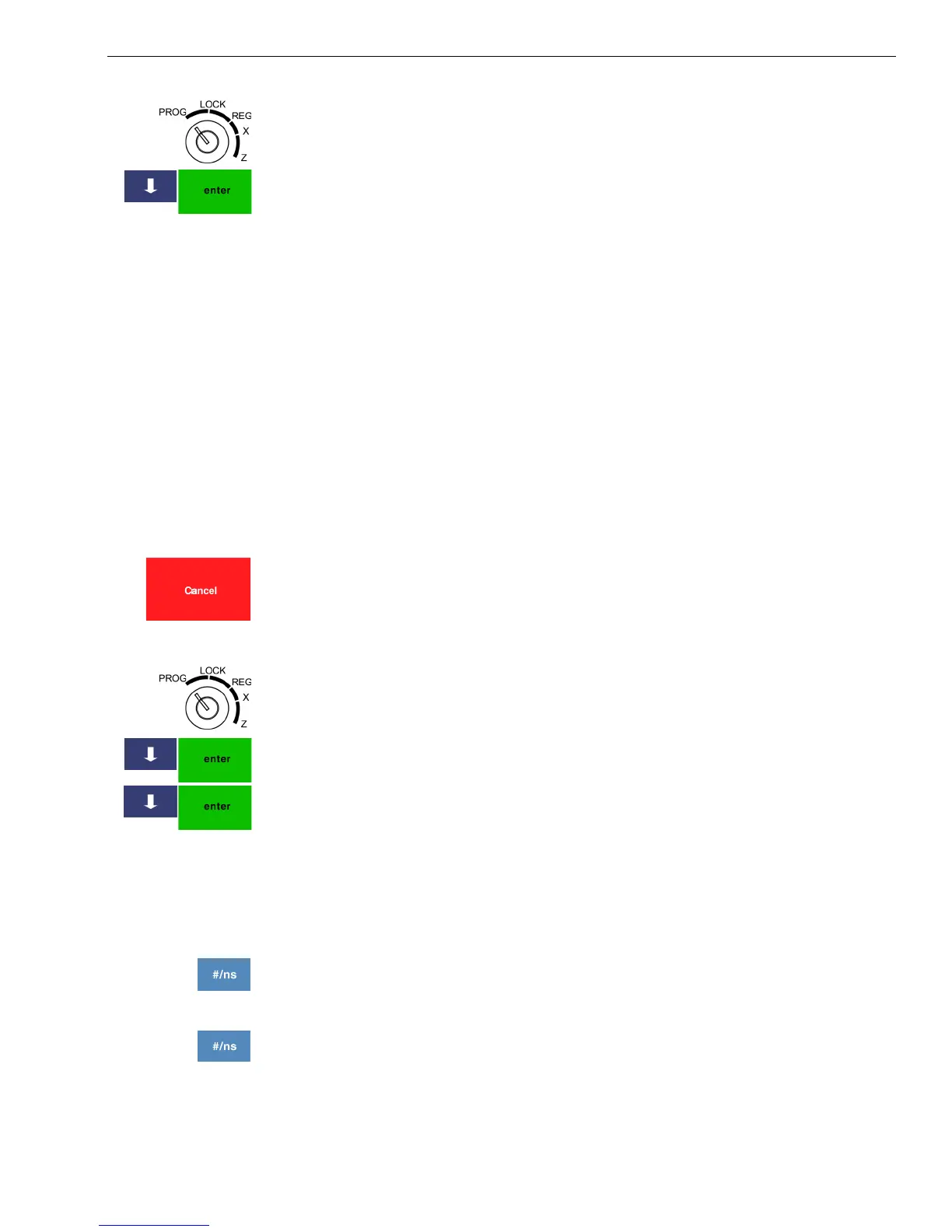
1 Put the MGR key in the Mode key slot and turn it to the PROG position.
If prompted, enter the Manager passcode and press Enter.
2 Press the Arrow Down key to select 404 -- Tax Setting. Press Enter.
3 Select the tax (1 to 4) you want to change. Press Enter.
4 Select the tax item you want to change. You can select Type or Rate.
5 Follow the instructions on the screen.
6 If needed, specify the tax limit.
7 When you are done, press Enter.
Programming Table Tax in the United States
If your area uses a tax code table, you must calculate your tax codes
before you continue with this section. For instructions, see Calculating
Your Tax on page 75. When you are done calculating your tax codes,
return to this section.
Before you start, you must know where the first irregular breakpoint and
the first regular breakpoint are.
Note
If you make an error when you are entering the price ranges, press cancel
and start over.
To program table tax rates for the United States
404 -- Tax Setting
1 Put the MGR key in the Mode key slot and turn it to the PROG position.
If prompted, enter the Manager passcode and press Enter.
2 Press the Arrow Down key to select 404 -- Tax Setting. Press Enter.
3 Select the tax (1 to 4) you want to program. Press Enter.
4 Select Type and press Enter.
5 Press Enter to start programming the break points.
6 Do the following:
• Start with the irregular breakpoints.
• Using your tax chart, enter the price ranges and the amount of tax for
each range. Before the start of the regular repeating breakpoint,
press the #/NS key to move to regular breakpoints
• Continue entering price ranges and the amount of tax for each range
until you completely enter an entire sequence of repeating regular
breakpoints. Press the #/ns key. You return to the Tax selection
screen.
7 Repeat for each tax you want to set.



 To Next Page