TS4240 User’s Guide 70
Using Training Mode
Entering and Exiting Training Mode
After a training passcode is programmed, you can use Training mode. You
can exit Training mode by turning the cash register off, moving the Reg
key to a position other than Reg, or by entering the exit code.
Note
You cannot enter or exit Training mode if Tables are open or active. For more
information about closing or using tables, see Using Tables on page 65.
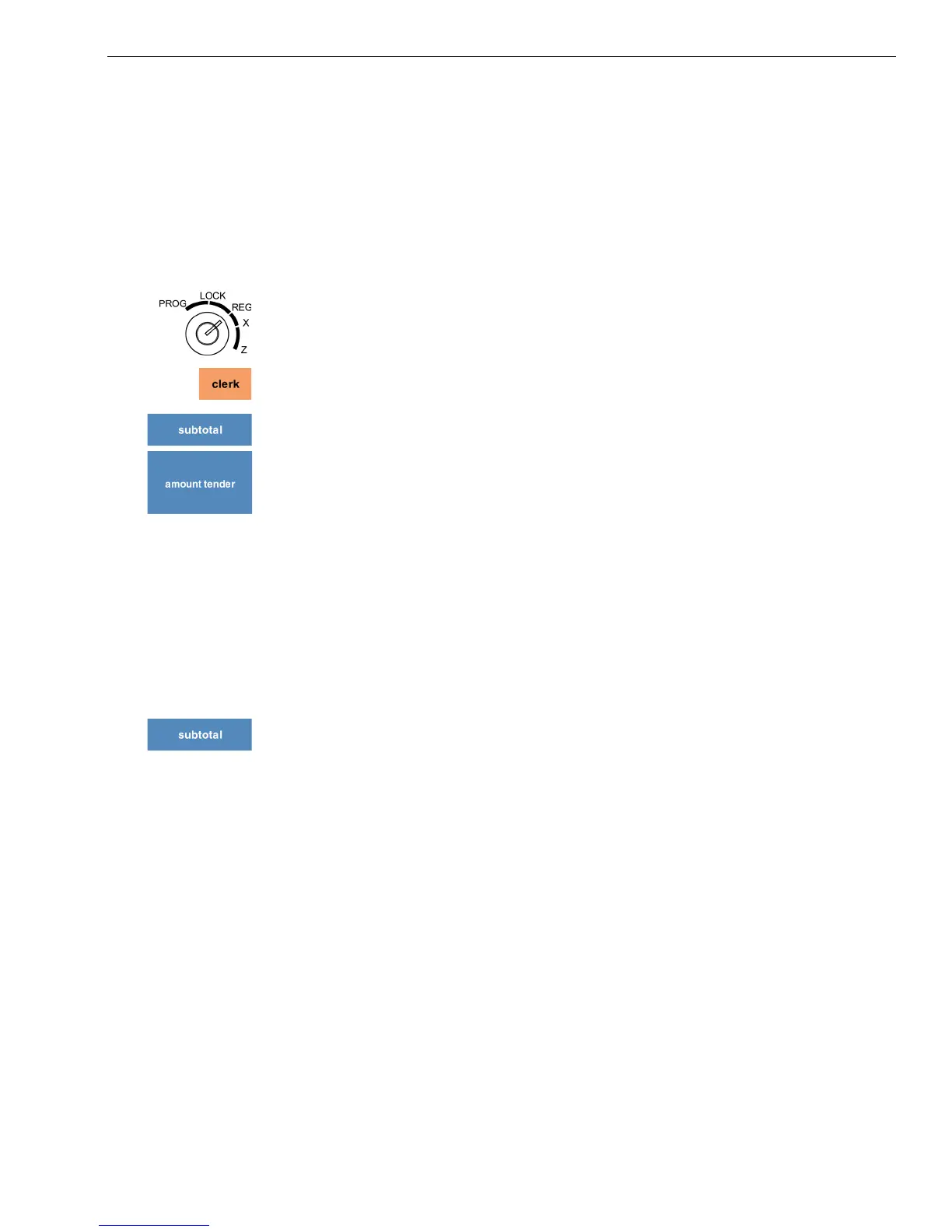
To start Training mode
1 Put the REG key in the Mode key slot and turn it to the Reg position.
2 If the clerk numbers are set, press the four digit passcode and then press
the Clerk key.
3 Using the Number keys, enter 000987. Press the subtotal key.
4 Using the Number keys, enter the 6 digit passcode. Press the Amount
Tender key. The word Training appears on the screen.
5 Now you can ring up sales in training mode. These sales do not appear in
the sales reports.
To stop Training mode
1 During Training mode, end any sale in progress.
2 Do one of the following:
• Move the Reg key to another position.
• Turn the cash register off.
• Using the Number keys, enter 000789. Press the subtotal key.
3 Now you can ring up sales normally. These sales appear on sales reports.



 To Next Page